Check a Spoken Audio Mix on the Devices People Actually Use
Compare dialogue across headphones, a phone, and other speakers, then fix recurring clarity and level problems before export.
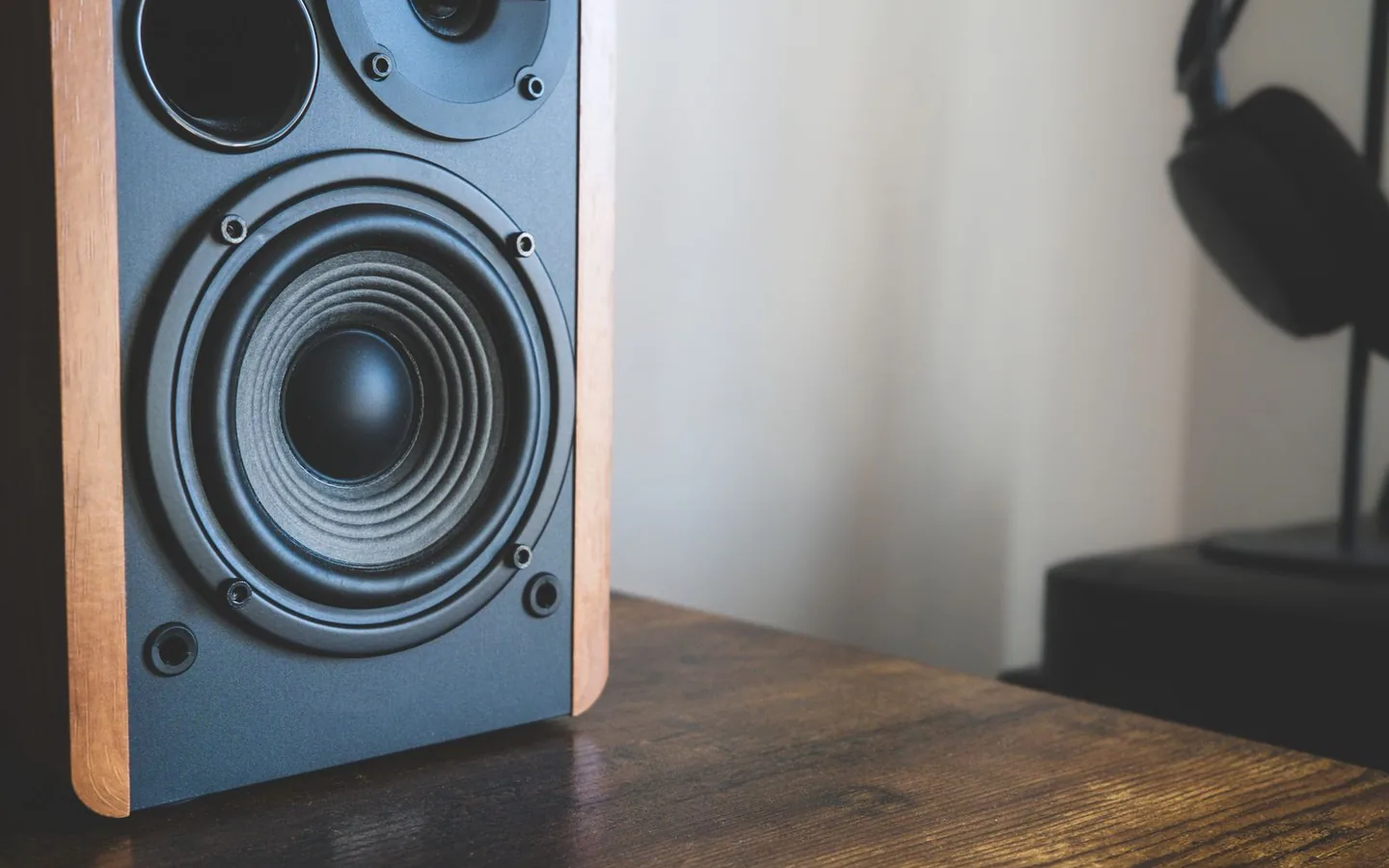
Listen to the same passage at a comfortable level on headphones and an everyday speaker. Note missing words and jumps in volume, check mono where relevant, and verify the final exported file against the destination's current requirements.
Choose a short passage that demands attention
A good test clip contains ordinary words, a quiet sentence, and a moment where music, another person, or room sound competes. Pull a short section from the real mix and leave it in context. A perfect phrase lifted from the cleanest take tells you very little about the edit around it. If it takes a long introduction to reach the two voices, add a second passage that shows how they trade lines. Prepare it alongside a familiar recording with a similar purpose. Use the comparison to check your sense of level and distance, then listen to the new material on its own.
Write down the questions before playing it. Can you understand the last word of each sentence? Does the second speaker make you reach for the volume? Does music draw too much attention when a new topic starts? A test that distinguishes those problems gives you useful editing work. A vague impression that the file needs more presence can lead to a broad change that makes the louder sentences sharp and still leaves the endings buried. Listen to the words and name the moment that causes the difficulty. A short timestamp and a plain description is usually enough to begin.
Establish a comfortable reference level
Play the clip through the main setup at a moderate level. Pick a familiar point on the volume control and use it again during each comparison with that device. Stop and adjust if the level is uncomfortable. A louder playback can make words seem clearer for a moment, and it makes two versions hard to compare fairly. If the editor lets you adjust playback or compare alternate versions at a similar perceived level, use that for deciding whether a change improved the mix. When testing the final file as a listener, leave the volume alone and see whether quiet and loud passages feel consistent.
Listen to the voice with music and effects temporarily muted. Mark any words that are already difficult to understand. When an actual syllable is incomplete or covered by a sound in the same recording, raising the whole track may make that problem louder. Choose another take, repair the affected area carefully, or consider a new recording where practical. A consistent microphone position and a less reflective or noisy recording location can make work later much easier. Confirm ordinary consonants and pauses before introducing the rest of the mix. These are also the first details that can vanish when a listener hears the result in a busy room.
Hear what headphones make easy to miss
Headphones are useful for small edits, quiet hum, uneven breaths, and irritating clicks. Play a sentence that crosses several edits and listen for changes to room sound between phrases. An aggressive cut can make the silence between lines feel like a different place. A fade or a suitable piece of recorded room sound may make that transition more natural. Keep the cadence and sense of the original speech. A conversation can lose its timing if every pause is the same length. Look for the part that breaks attention and adjust that first, avoiding general processing that changes every sentence.
Try another pair if available and note whether the same issue stands out. One set may emphasize bass or place very bright consonants close to the ear. An outside noise reduction setting can affect what you notice without changing the file itself. Some listeners use only one earbud, which makes channel placement relevant. If a voice is far to one side, try the result in a configuration that represents that use. Keep the primary speech easy to locate in the mix. Strong separation can have a creative role, and listener access to the words still matters when the playback setup changes.
Ask the phone or small speaker for the words
Play the clip through an ordinary phone speaker or a small device similar to one the audience might use. Leave the phone on a typical surface and check it in a quiet room first. A small speaker may play low frequencies very differently from a large pair. The test reveals which words depend on a sound the small speaker cannot reproduce well and where a competing sound takes over. Compare the version without music to the full mix. If clarity returns when music goes away, experiment first with its level or timing instead of changing the way the whole voice sounds.
Try a second scene with a modest amount of ordinary background activity, staying within a comfortable listening level. See whether a name or the end of a sentence becomes unclear. The priority is making the spoken message work, so let music carry transitions where speech does not need the same space. A gentle reduction under important words may be sufficient. Listen to whether that change calls attention to the music level itself. A short passage often works better when several small adjustments are made deliberately than when voice and music fight through every word. Keep any diagnostic version clearly separate from the one intended for release.
Room speakers also show relationships that a close headphone view can exaggerate or conceal. If you have a familiar pair, play the passage from your normal listening seat, then from a point a little off to the side. Listen for a stable voice and for music that seems to change level as you move. Make the same check with a known reference or with your normal setup restored before deciding that the mix is at fault. A room and its speaker placement affect what you hear in particular spots. When a concern carries across those positions and the phone test, you have a clearer reason to return to the session and make a change.
Listen to the combined channels when it matters
A stereo file may be played through a small device that combines both channels, and other situations deliver one common feed. Use the editor's appropriate mono monitor or a separate test export. Compare the words and the relationship of music and effects. Notice whether part of a voice becomes thin or disappears. Similar sounds recorded on more than one microphone, or spread by some stereo processing, can combine differently when summed. Listen to the affected resource on its own and check the combination. If a widening effect is involved, temporarily bypass it and replay the same passage. A small setting change can sometimes restore a proper center.
Keep enough variation in playback to isolate a real problem. Comparing two phones with similar small speakers tells you how the mix behaves on those devices. One small speaker and a separate headphone test answer different questions. If the same loud interruption breaks both versions, it is worth fixing. If one speaker produces a buzz with other familiar files, examine the playback device before treating the mix. Write the finding with its context. A note about a dropped word at a given time in the single-channel check is more useful than a note that the file sounded odd on one device.
Balance people before balancing the whole file
When a speaker repeatedly rises out of the conversation, adjust the relevant clips or sections first. A modest change at a few sentences can preserve the natural variations in speech. If the level is consistently uneven across many passages, consider suitable dynamics processing in the editor and compare with it bypassed at a similar loudness. Heavy processing can bring up noise, remove the contrast between words, or give the impression that the room changes after each phrase. Use a few seconds of nearby clean speech and difficult speech together. The correction should serve both. Listen for breath and rhythm as well as for the peaks on a display.
Treat technical measurements as useful evidence alongside listening. Integrated loudness describes a program over time and can miss one masked phrase. Peak or true-peak information addresses a different property and depends on the meter and standard used. Find the destination's current format and level guidance before committing to a target. A project distributed to several places may need separate outputs. Save a version of the working mix that can produce each one. Avoid unnecessary repeated encoding. After any last level changes, measure or inspect the export being delivered and listen for distortion or sudden shifts that were absent in the working project.
Play the file a listener will receive
Export a candidate and move it to the devices you actually intend to check. Start at the beginning and hear the first entrance of music and speech. Check a point in the middle where the conversation gets demanding, and listen through the end. Look for missing material, music that stops abruptly, or a channel that behaves differently from the editor preview. If possible, ask somebody who has not heard the material to listen to a short section and say which line they had to replay. An editor knows what a sentence is supposed to contain and can mentally supply parts the listener cannot hear.
Log the export settings and the few checks that matter for this kind of project. A spoken lesson may need examples at a consistent level, while an interview depends on two people being equally easy to understand. Save the problem clip and the version that fixed it if doing so is appropriate for the material. Those references can make the next test faster. The goal is a spoken mix that follows the listener from headphones to an everyday speaker with its words, cadence, and balance intact. The most useful approval is the moment you hear the story without noticing that the playback device has changed.