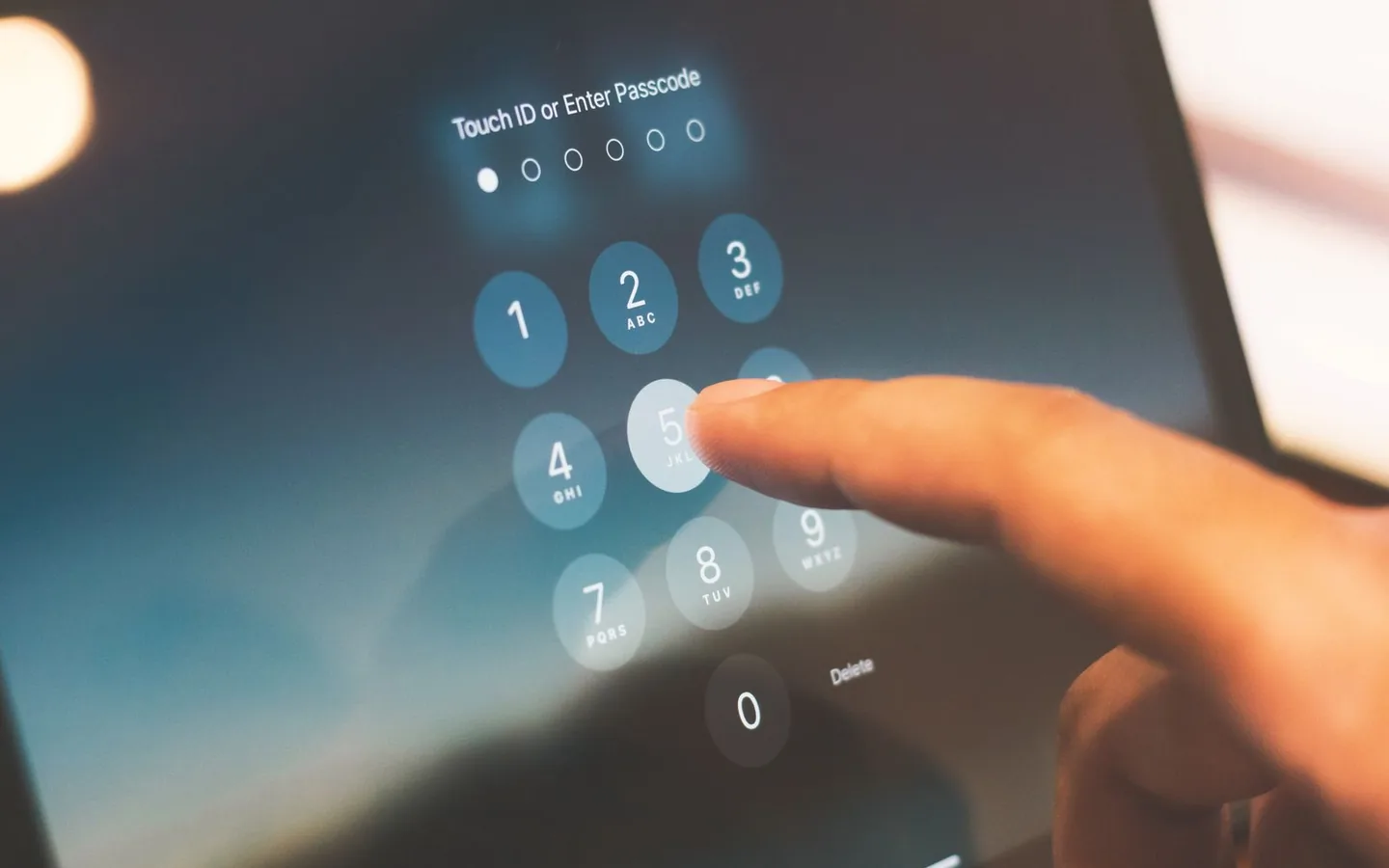
Privacy & Backup Set Up Passkeys With an Account Recovery Plan Find out where a passkey is stored, then confirm a backup sign-in route before replacing a phone or computer.
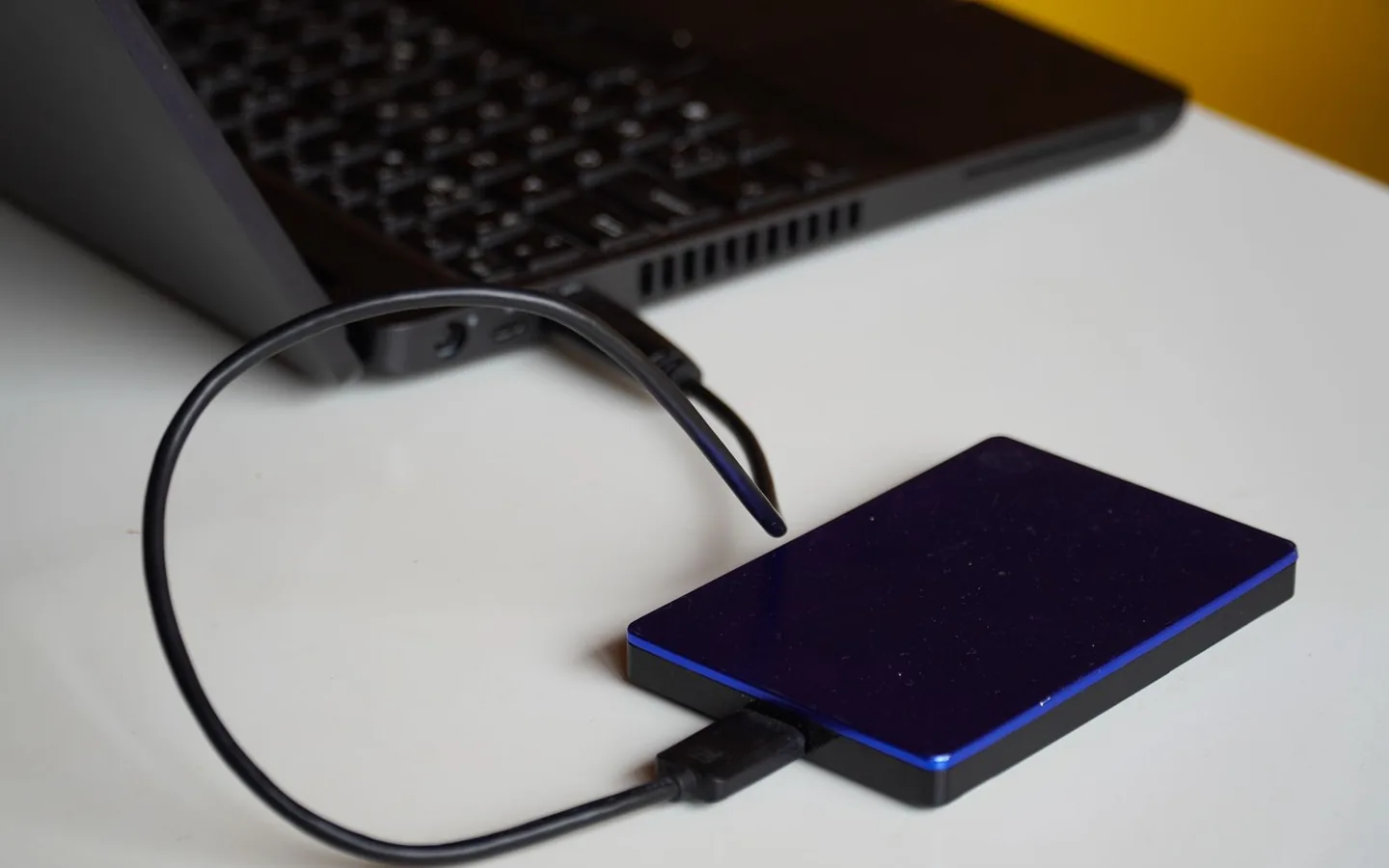
Privacy & Backup Test an External-Drive Backup With a Real Restore Use a safe restore drill to check that your backup contains the right files, versions and recovery instructions.
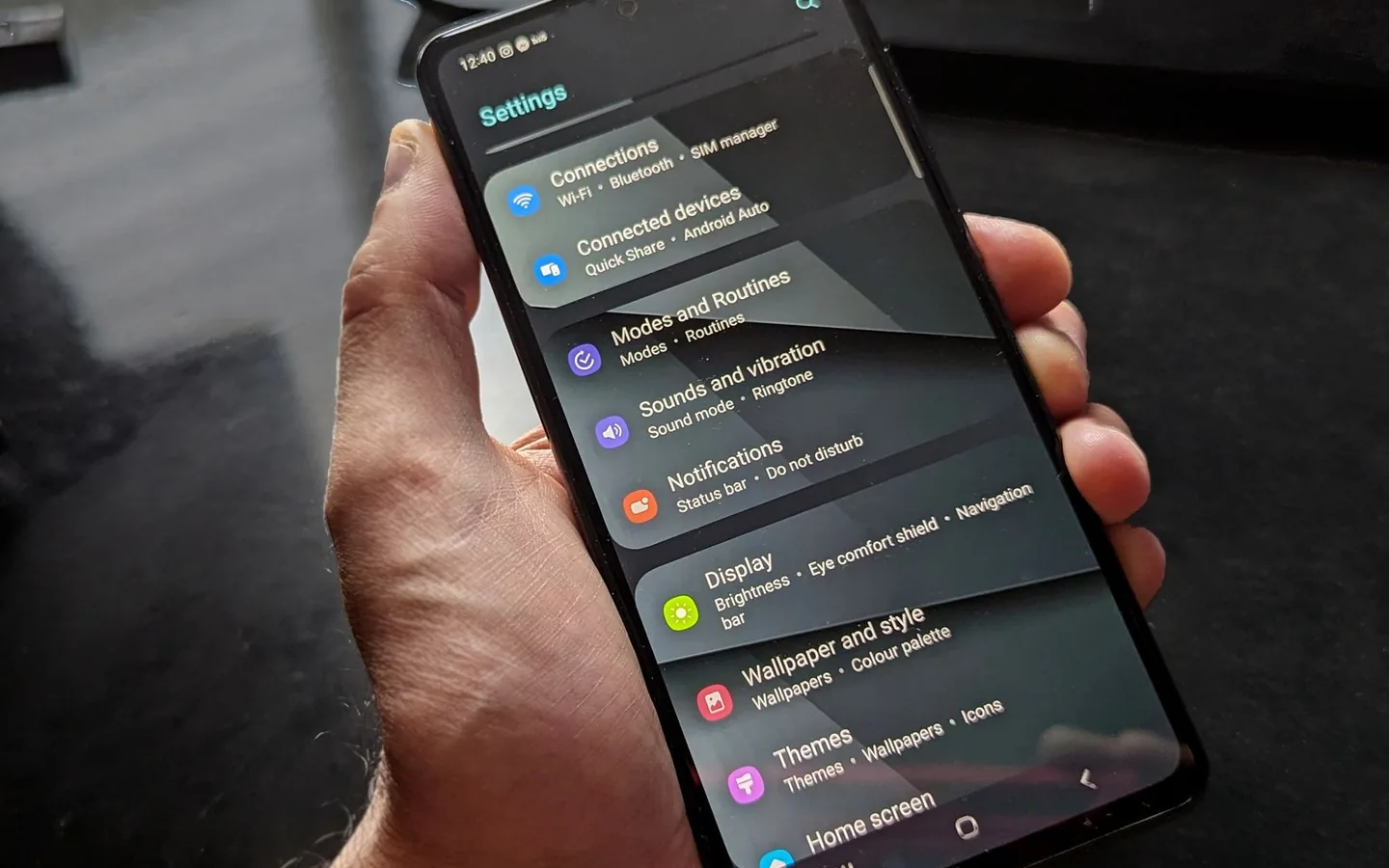
Privacy & Backup Review the Permissions Your Phone Apps Actually Need Use a category-by-category review to reduce unnecessary access while preserving features you trust.
Privacy & Backup Share a Household Computer Without Sharing Every Account Set up separate profiles and shared folders so household members can use the same computer without mixing private work.
Privacy & Backup Encrypt Personal Files for Travel and Storage Choose a suitable encryption method and test how you will open or recover protected files before leaving.
Privacy & Backup Protect Online Payments When You Use a Smartphone Use a predictable set of checks for payment requests, checkout pages and the account activity that follows.
Privacy & Backup Prepare a Used Computer for Sale or Donation Back up the work you need, release the device from your accounts and use the appropriate erase process before handing it over.
Privacy & Backup Make an Emergency Handover Plan for Household Accounts Document essential digital services, assign appropriate access, and rehearse a household handover while protecting private information.