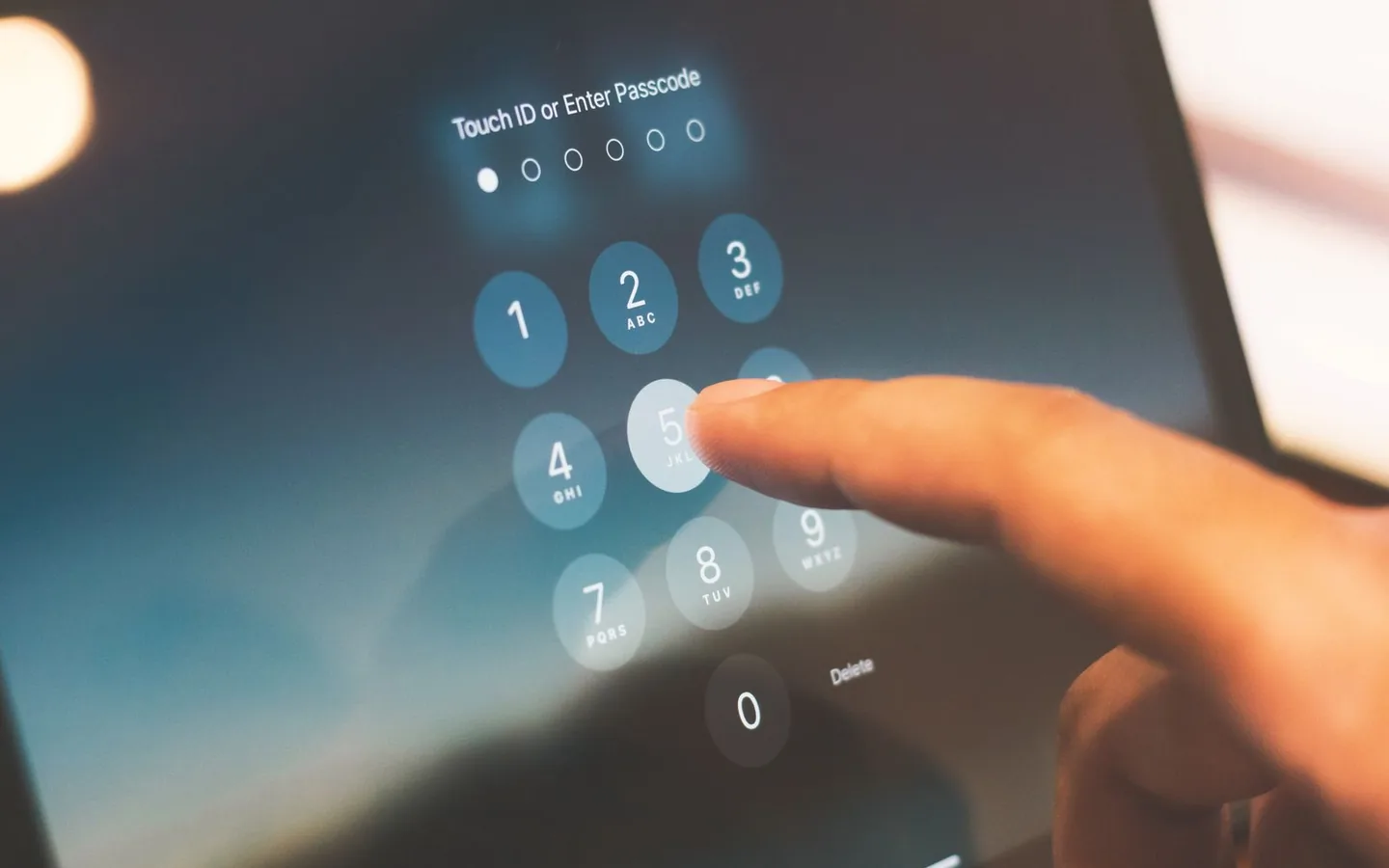
Encrypt Personal Files for Travel and Storage
Choose a suitable encryption method and test how you will open or recover protected files before leaving.
Use supported device, drive or archive encryption for files you need to protect. Keep recovery information separate and verify access from an authorized fallback device.
Decide what you are protecting and from what event
Encryption makes stored information unreadable without appropriate access. Its practical purpose is clearer when you begin with an event. A laptop might be lost in transit, an external drive might be misplaced during a move or a private folder might need to go to one authorized person. Write down the event and the files involved. That scope tells you how much encryption is useful and what you need to be able to recover.
Choose the smallest group of documents that has to travel or move. Some sensitive information can remain at its existing secure location. Other documents need to be directly available when no connection is possible. Separate a private working copy from material you can obtain again. When a file must remain available on the road, a sound recovery plan is as much a part of the choice as encryption itself.
Check who owns the material. A workplace or school may specify how removable media and backups must be handled. Use the approved process for that material. For personal files, decide whether access is only for you or for a named recipient. Keeping these decisions explicit helps when you later review the same drive and wonder which account or tool opens it.
Storage protection is a useful layer in a larger routine. If you regularly leave documents open on a shared display, check who can see the screen. If your backups are another person's responsibility, talk through how the protected copy will be recovered. Stating the use clearly helps you avoid solving a storage problem while leaving access arrangements unexplained. It can also help you pick a tool that other authorized people in the household can understand.
Choose the scope that matches the way you use the files
Full-device or volume encryption protects the data on a covered storage volume when the device is appropriately locked or powered off and the volume key is unavailable. Many systems offer an integrated option with their own recovery process. It can provide good protection for a personal computer that routinely holds sensitive documents. Check that the relevant storage is actually covered. A protected internal drive does not establish that material copied to an external volume or online service follows the same rules.
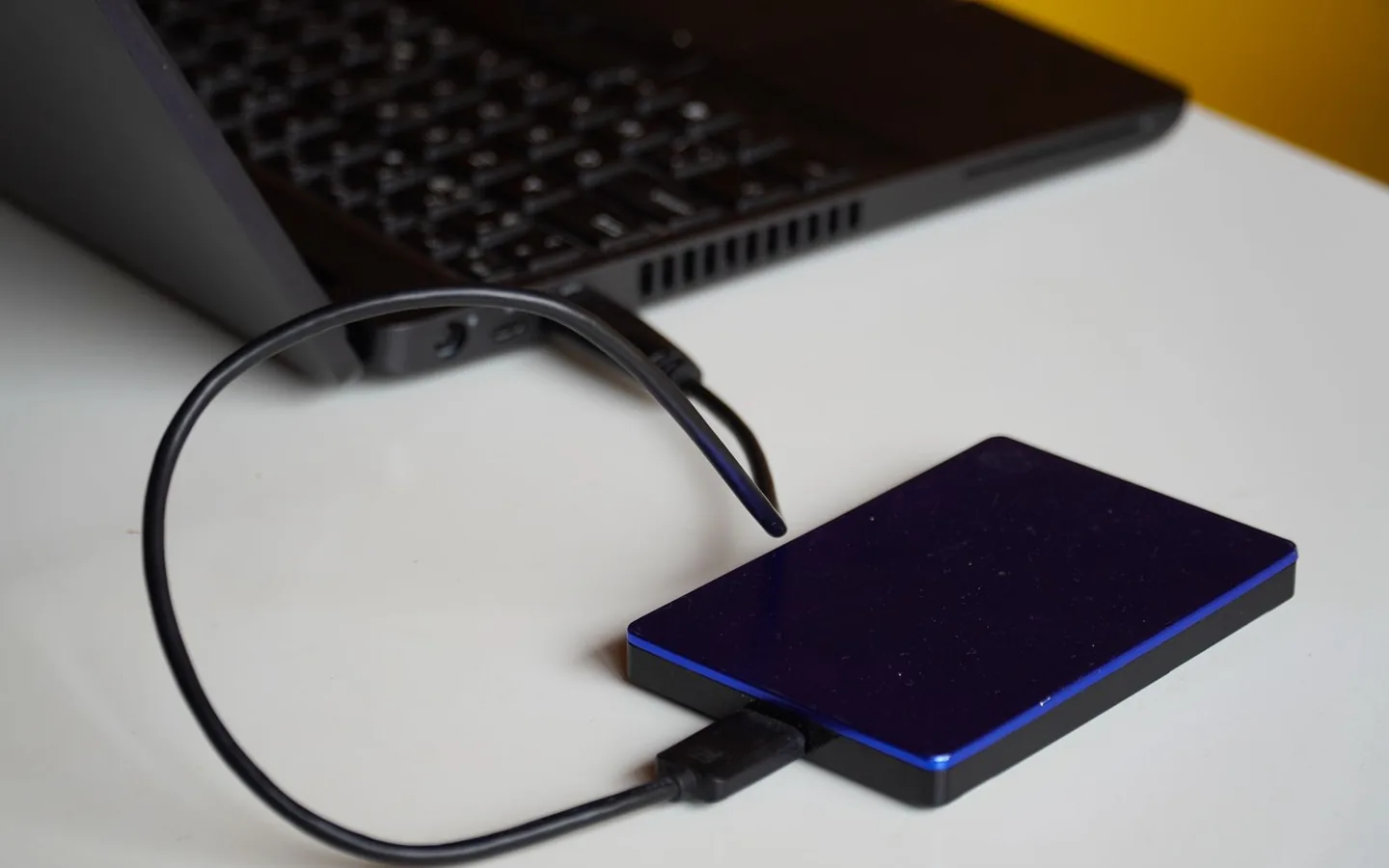
Use removable-drive encryption when the drive itself needs the protection. Read what the format requires on each computer that will open it. A solution native to one operating system may not be conveniently readable elsewhere. Check this before traveling with a work computer you cannot install software on. The useful measure is whether authorized people can restore the files under the circumstances you planned for.
An encrypted archive can suit a small set intended for specific transfer or storage. Use a reputable, maintained tool and its documented strong encryption mode. Check which information about the archive remains visible, including names if that matters. Avoid choosing an unfamiliar format merely because it claims to be private. The recipient should be able to follow a reliable, permitted process to open it.
Prepare recoverable copies before making a change
Make an appropriate backup before encrypting an existing device or changing a storage format. An operation can fail, and some methods require an erase or format step. Verify the backup by opening a selection from its own location. Protect that backup as appropriate to the same material. A secure working volume with an unprotected spare copy sitting beside it may leave the situation you planned for effectively unchanged.
Read the official setup procedure carefully. It should explain required privileges, what will happen to existing data and how recovery works. Keep the device on reliable power if the procedure calls for it. Allow time for conversion or setup to finish. Avoid trying a new protection method on the only copy of a document just before it must be delivered.
Make an inventory by folder and purpose, without exposing confidential contents. Record the protection type and which tool should be used to open it. Store the inventory where you can consult it independently. A label such as travel originals is sufficient if it gives the owner enough information to identify the right drive. Keep names that would disclose sensitive details out of places other people might see.
Check what is visible after opening the files
Encryption at rest helps protect data while the relevant storage remains locked. Once you unlock it and work on its contents, suitable applications and users can ordinarily read them. Be aware of temporary folders, recent file lists and downloaded copies. A file opened from a protected archive might be extracted into a different working location. Find out where the application saves edited copies before using it with personal material.
Keep ordinary device security in place. Lock the screen when leaving a computer and apply supported updates. For travel, understand how your system handles sleep, locking and a full shutdown. Choose the state appropriate to the documentation and your own circumstances when you hand off or store the device. Cover the separate problem of an unlocked machine left available to the wrong person.
Check the protection status after changes. If you copy a file to a cloud service, another drive or a colleague's computer, its protection depends on that destination and transfer method. Create a deliberate copy only where you need it and have authorization to store it. This is easier when you know which version is the working original and which is meant for temporary use.
Run a recovery rehearsal on harmless material
Make a small example containing a document and a nested folder. Try opening it with the workflow you plan to use, then lock or safely eject the storage and repeat from a separate authorized device or account where appropriate. Verify that file names, contents and any important folders appear as expected. Do not repeatedly test real recovery codes or change account security just for practice without reading the consequences.
Simulate loss in a safe way. Set the primary device aside and see whether you can locate the instructions, identify appropriate software and find the separate recovery route. Bring the original back if something is missing. The aim is to remove assumptions while fixing them is easy. A trial that reveals a missing adapter or different software version is a useful result.
If you will store the files for years, revisit one sample occasionally. Check that the drive works and the method can still be used by legitimate recipients. When moving to another format, verify the new protected copy before removing the old one. Retention plans fail when the file outlasts the tool, password arrangement or person who understood it.
Measure how much time it takes to restore the test material from wherever you keep the independent copy. A file that needs an application download on a trusted device can still be available, though the trip may leave less time than you hoped. Keep a short offline description of the format and the official software you expect to use. If future compatibility depends on one particular operating system, review that setup before recycling or replacing the only machine that can read it.
Leave a short record for your future self
Write down the protection method and the files it covers, where to find instructions, where recovery is maintained and any important compatibility requirements. Keep the record secure and keep keys or passwords in the protected method you chose for them. Do not make the only instructions depend on the thing they are meant to unlock. Review the record after changing system accounts or storage.
Before travel, carry only what you decided you need. Check the relevant protection status and verify access one more time. Put working copies and backup material in their assigned places. If the trip changes at the last minute, add files through the same workflow rather than saving them incidentally to an unprotected default folder.
A sound arrangement gives you a clear answer to two questions. You know what another person can read from a misplaced device, and you know how you will reach the same material when the usual device is gone. Both answers should come from the actual setup and a safe trial, not from the word encrypted on a listing.