Protect Online Payments When You Use a Smartphone
Use a predictable set of checks for payment requests, checkout pages and the account activity that follows.
Reach the merchant or payment service independently, confirm the recipient and amount, and keep device and payment-account alerts active. Use the provider's official channel to report a problem.
Pause long enough to recognize the request
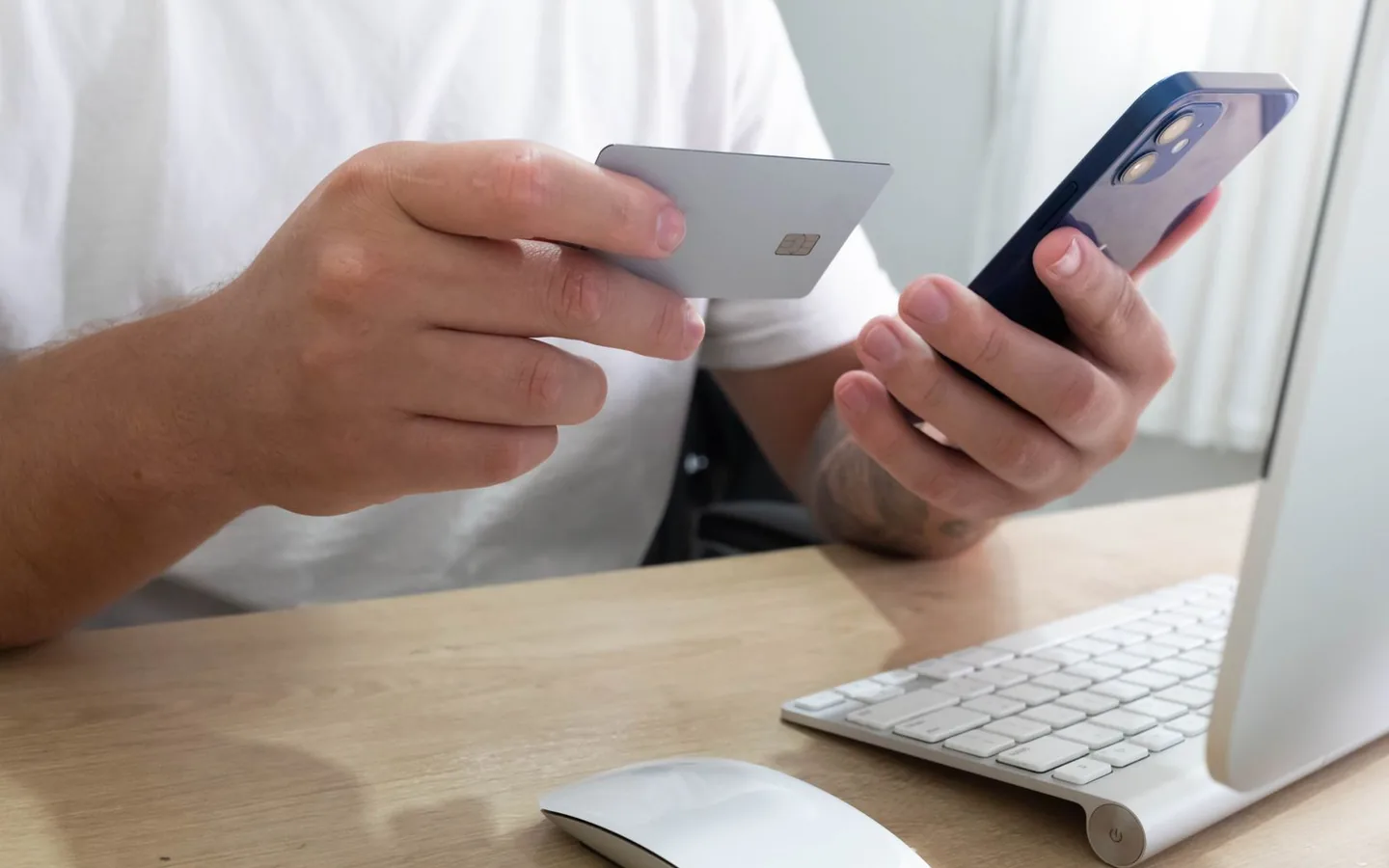
A smartphone makes a payment feel like one movement. The small screen can also hide context. Before you authorize a charge, know what you are buying, who will receive the money and whether it is a single payment or the beginning of a recurring arrangement. A moment spent finding those three answers can prevent a long conversation about an order the next day.
Treat unexpected payment requests with care. A message might claim a package will be returned, a friend needs immediate help or a service has to renew. Use the seller's application, a known address or a contact method you already have to verify the request independently. An urgent message that arrives with its own link and phone number should not control how you check it. A genuine situation can usually be explained through an established channel.
For a person you know, verify a change to the payment destination through a separate contact you recognize. A new number or account name may have a normal explanation. Ask the person directly rather than trusting the account that delivered the changed instructions. Keep the payment open only as long as you need to make a clear decision. A countdown or repeated message is a reason to read what is happening, not a useful substitute for verification.
Open trusted checkout from the service you intended to use
Start with the merchant's known address or its established official app. Find the order from inside that service. Check which company is presenting the checkout and whether it matches the transaction you intended. A payment processor can appear when a merchant transfers the checkout, so read the information about who is collecting the payment, the amount and the identifying order details.
A browser connection indicator can tell you whether the connection is encrypted. It cannot confirm that an unfamiliar shop is trustworthy. Read the actual site address if a page opens from a message or search result. An appearance similar to a brand is insufficient. If a website sends you to a service you did not expect, save the order reference and check through the merchant's established support channel before authorizing it.
Be careful with payment codes displayed in public places. A code might open a page or prefill a payment destination. Inspect that destination before continuing. If you are paying at a desk or a counter, ask the responsible person to confirm the business name and the amount you should see. A little verification is normal in a process that gives real control over your account.
Keep browser and app permissions appropriate to the transaction. An unfamiliar shop rarely needs access to the information from unrelated apps. If it asks for more information than you expected, find the service's own explanation through a route you trust. A form for a delivery may need an address, but it should still fit the order you chose to place. For purchases you make repeatedly, save the known route to the seller in a place that makes it easy to open deliberately. This can reduce the chance that a similar-looking link becomes your normal way to reach the store.
Keep the phone and payment setup under your control
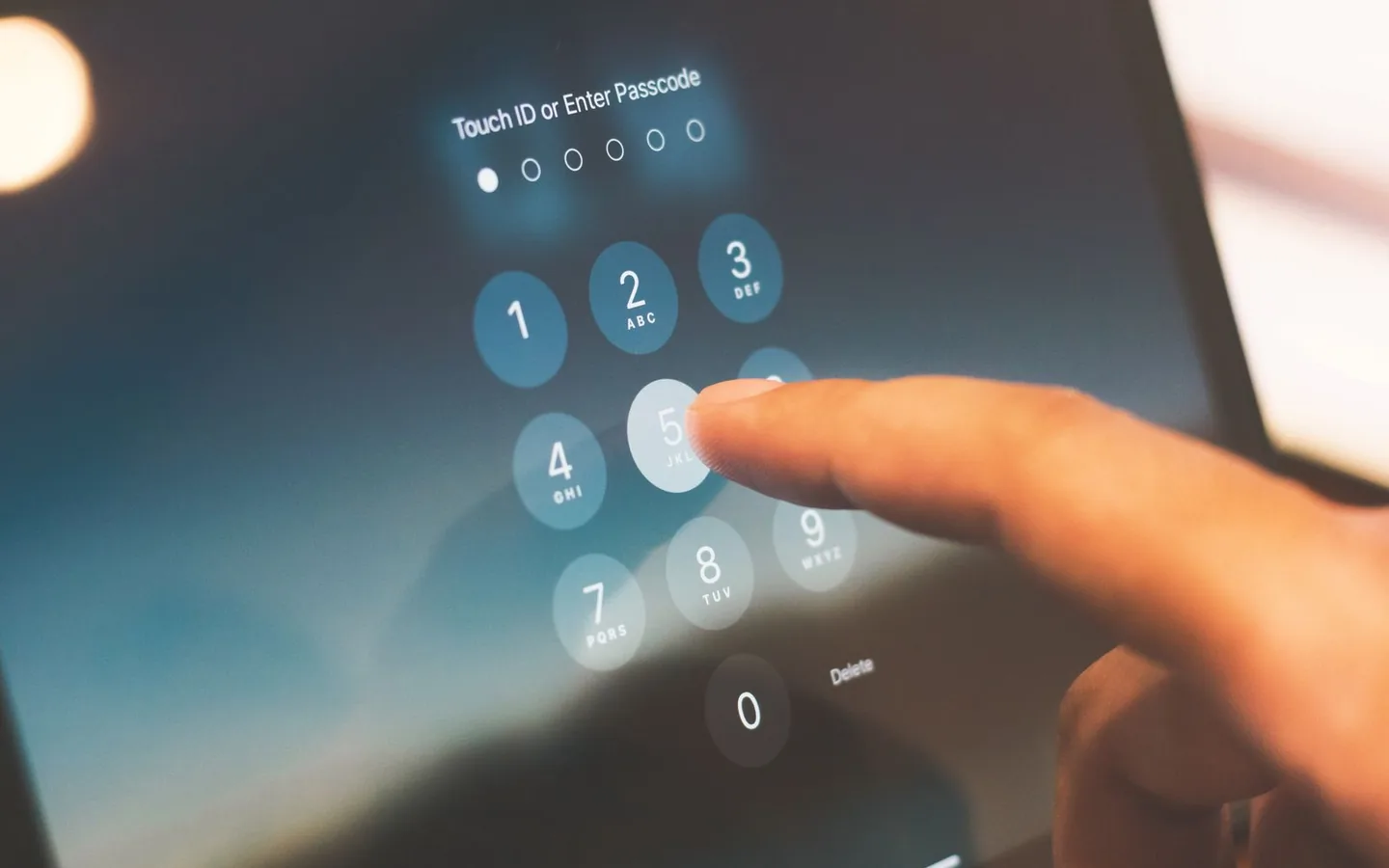
Use the device's supported screen lock and let it lock after a practical interval. Keep the operating system, browser and payment apps up to date through ordinary sources. Activate account protections the provider supports, such as an additional sign-in check or a passkey, where appropriate. Know which account recovery methods you can reach if the phone is unavailable.
Review who can unlock the phone and whether that access can authorize payments. A child might use a tablet for homework, or a family member may occasionally use a phone to place a call. Use the platform's separate access, purchase or family controls if you need to share routine use. A payment app is easier to trust when its authorization belongs to the person who is supposed to approve purchases.
Do not give someone an authentication code because they say a payment needs to be canceled or verified. A code can grant access to an account or approve a specific action. Read the prompt in the app and complete only the operation you initiated. If someone claims to represent a provider, call the established support channel from a separate trusted source. The provider's real name and a familiar story do not grant a person authority over an account.
Read the transaction the way the recipient will see it
Confirm the destination at the last review screen. Similar names and profile images can make the wrong account look familiar. For a transfer to an individual, check a known identifier that the service supports rather than relying entirely on a display name. For a merchant, check the business, order and currency. Confirm decimal places and quantity when the phone's keyboard makes it easy to add an extra digit.
Pay attention to each line that can change the total. Delivery, taxes, optional additions, discounts and exchange display may appear separately. For a subscription or trial, note the first amount, when later payments begin and how to manage the arrangement. Save the relevant confirmation after approving it. Those details are harder to reconstruct after an introductory page disappears or an app logs you out.
Understand the kind of transaction you are approving. A purchase, a person-to-person transfer and a request for money can look similar on a small screen. Providers may offer different procedures and protections depending on what was used and local rules. Use the service's information to understand the transaction type before sending a payment. A cheerful confirmation image does not explain what dispute options will be available later.
Keep a useful record and read alerts
Save a confirmation with the date, order reference, transaction amount and merchant or recipient. Keep the record private if it includes account information. A personal receipt and account history are useful together. The receipt can say what was purchased while the activity log shows how the payment went through. Check that they agree without exposing either in a large shared folder or a public conversation.
Enable the alerts you will notice, especially for account changes and transactions. Verify they arrive on a device you routinely have. If you mute notifications overnight, determine what important notices still appear and when you will review the others. An alert can help you act while the event is fresh. It works best when it is recognizable and does not get lost among promotions.
Review activity through an official app or site if you see an unfamiliar charge. A recognizable order can appear under a processor or trading name you did not read at checkout. Compare the amount and time with a saved confirmation. If you cannot identify it, use the provider's supported route for an unauthorized transaction. Avoid calling a number that appeared in a subsequent unexpected message, even if it seems to describe the same event.
If you have several active payment methods, make sure you recognize which one the application actually used. Wallet settings or a restored phone can select a different default from the one you expected. Compare the receipt and the correct account history. That simple check can prevent reporting the same legitimate order as a duplicate.
Act through the provider if anything goes wrong
When you suspect unauthorized payment or compromised access, open the provider's support or security page independently. Follow the relevant reporting process promptly. Save the essential information about the event and any reference number the provider gives you. If another involved institution needs to hear from you, contact it directly using an established channel such as the one printed on your card or shown in its official app.
If your phone goes missing, use the operating system and payment provider's supported lost-device tools where available. Review recent activity and active devices from a trusted device. The provider can explain whether to suspend a particular payment method, remove a device or take another account action. Keep a safe independent way to find the official instructions before the phone is gone.
Keep the account protection information clear. Someone offering to recover money may request a fee, account access or a new transfer. Use the actual provider and an appropriate official reporting route. Confirm what the next accepted step is before sharing any documents. A short record of your contact with the legitimate provider can make it easier to recognize an unrelated request.
Use a repeatable check before and after payment
Before paying, confirm how you entered the service, who should be paid and what the final amount represents. After paying, keep the confirmation and inspect the relevant alert or activity when appropriate. Use the same routine for repeat purchases. Familiarity is useful when it helps you notice what changed, such as a new recipient or an unexpected renewal date.
At home, check that the phone's lock, sign-in options and official recovery routes still work. Choose a time to review recent account activity when it is convenient. If a purchase requires more care, do it in a place where you can read the full screen and check information without rushing. A delay of a few minutes is often reasonable when the request is difficult to verify.
The useful skill is knowing how to recognize the transaction under the small interface. You understand the request, have confirmed the destination independently and can find help through an established channel if something changes. That process supports ordinary shopping and transfers without asking you to trust a message merely because it arrived on a device you use every day.