Set Up a Distraction-Light Workspace
Arrange a desk, a computer and a few daily boundaries so you can return easily to work that needs attention.
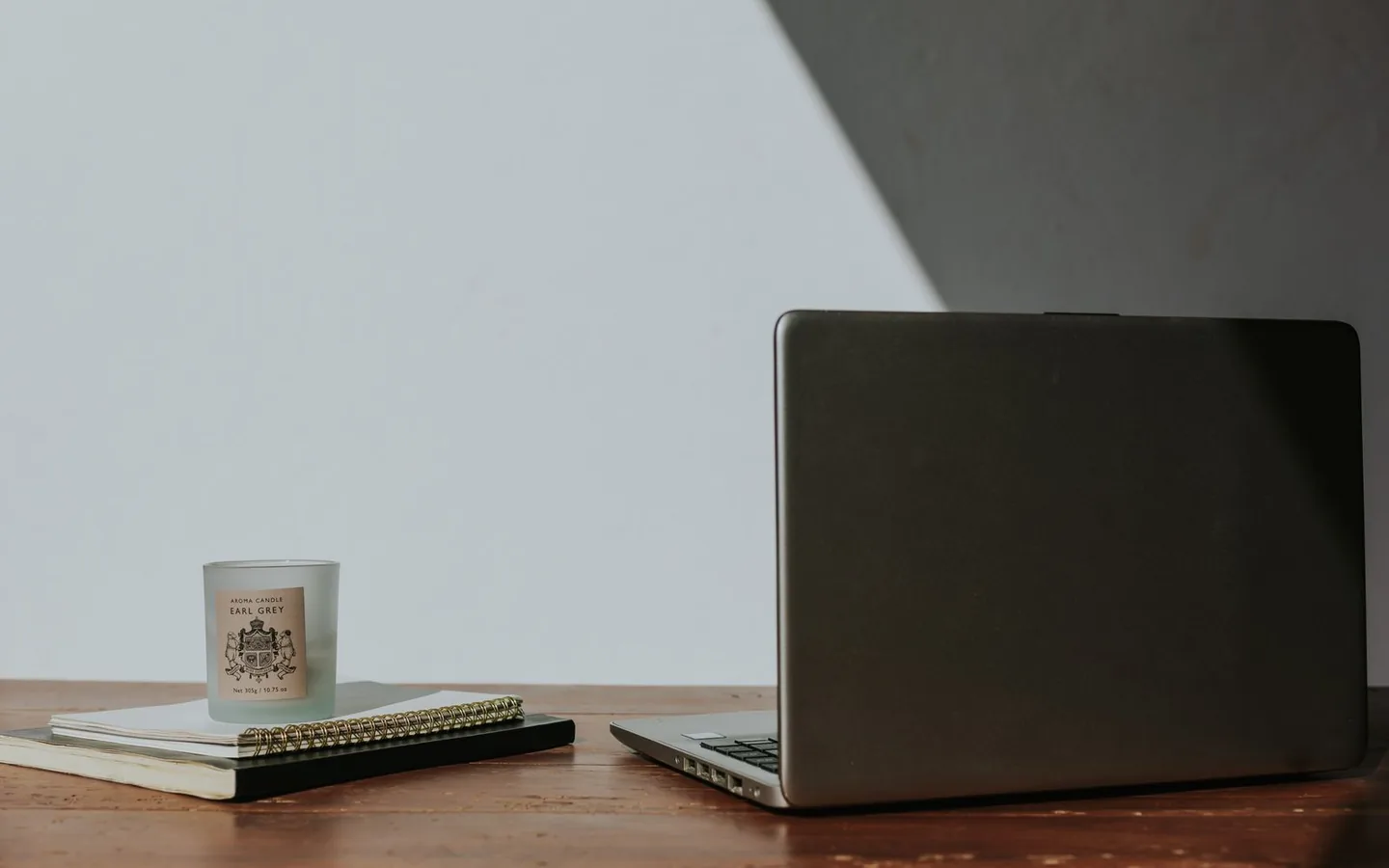
Put the current task within reach, give interruptions a predictable route and leave a clear next action before changing tasks.
Watch what pulls you away
Before rearranging the desk, spend part of a working day noticing the moments when attention leaves the task. The cause might be a message, a stack of forms within reach or a missing reference you have to find repeatedly. A person walking past the desk may not be a problem until you are doing work that requires holding several ideas in your head. Give the interruptions specific names. It is easier to improve a repeated search for one document than an entire day described as busy.
Sort what you notice by whether it needs your attention now, later or at a predictable time. A call from a school or someone you are supporting might need to come through immediately. A progress update can often wait until you finish a paragraph. Someone asking a short question in the room may be seeking the fastest answer because there is no known alternative. A rule for where requests go can be as useful as a setting on the phone.
Notice internal detours too. An unfinished task can come to mind just when you need to concentrate. Put a sheet of paper or a small note beside the current work and write the detour down in a few words. Give it a trustworthy review time. The habit works because you can stop carrying the reminder in your head, not because the idea has suddenly become unimportant.
Give the current work a physical home
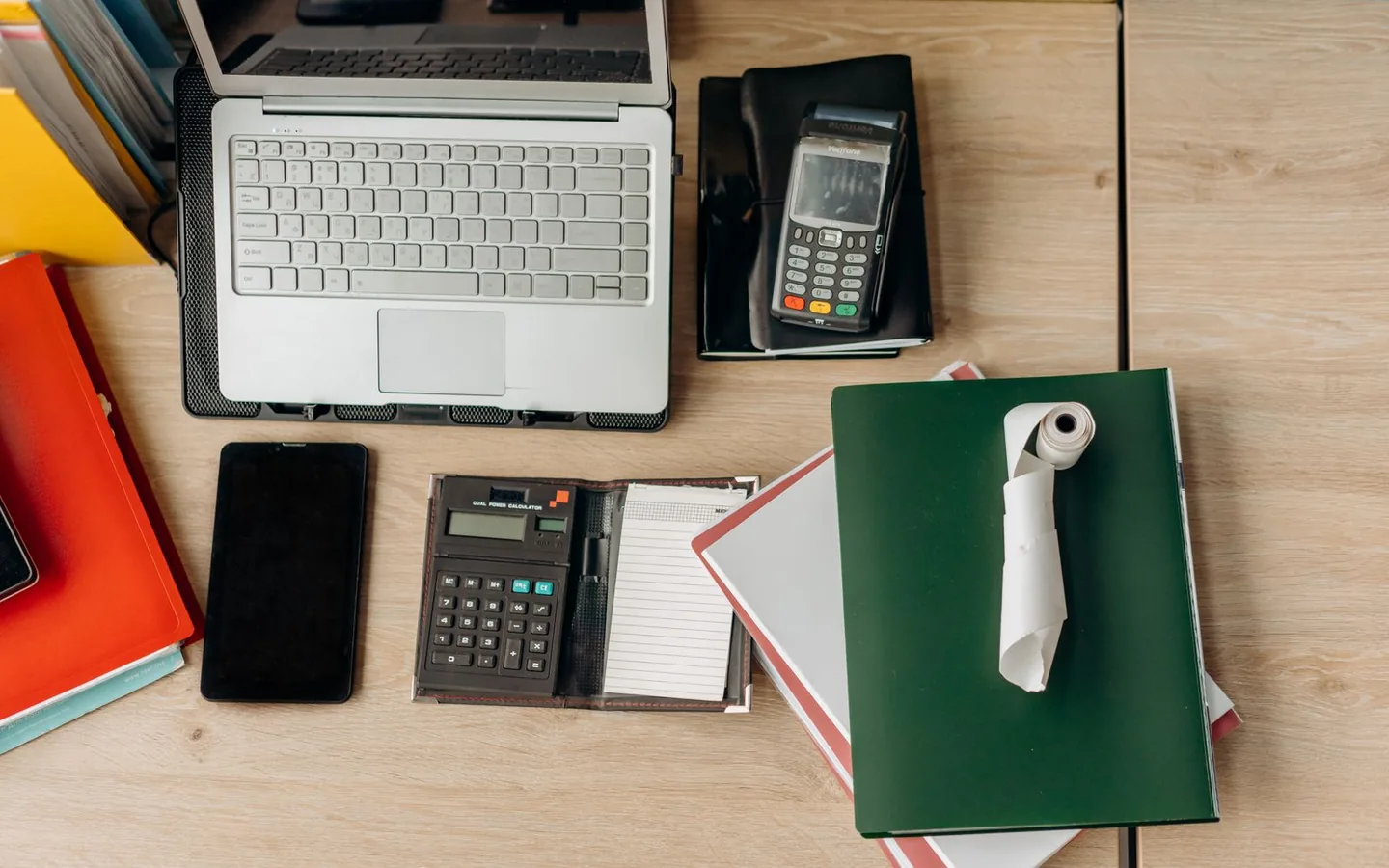
Choose a spot for the material in active use. This can be a well-lit portion of the desk with a lap-sized amount of space, even if the rest of the room serves several people. A book on that surface should belong to the thing you are doing now. If mail, supplies and spare devices have their own nearby home, clearing the area takes less time and you are less likely to postpone it.
Put frequently used objects where they can be picked up and returned without changing posture. A notebook, pen and drinking glass can be useful. A separate dock for the phone is useful if picking it up normally leads to another activity. The aim is to reduce the number of small decisions between sitting down and beginning. A desk may have several objects on it and still make the next action obvious.
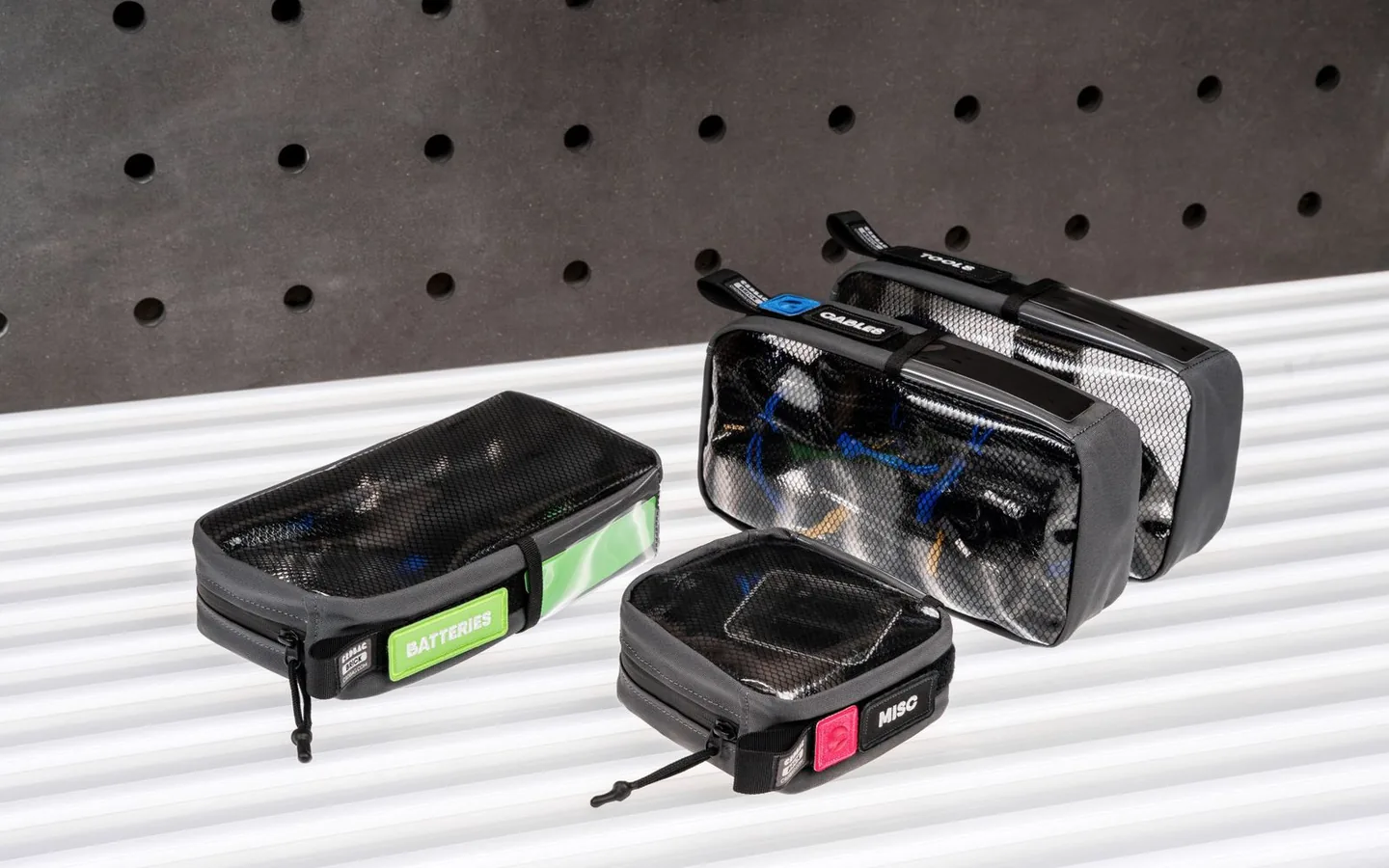
Look at the spaces outside the rectangle as well. A hamper or household reminder directly ahead can invite attention even if the desk itself is clear. Sitting at a different angle or putting in-progress paperwork in a single tray might help. Buy storage after you have tried working with a temporary box. The size of the object you are solving for is easier to see once you know what actually needs to move.
Use a computer layout you can rebuild
Choose which windows belong to the work. For editing, that might be a draft and two references. For keeping records, a spreadsheet and the documents you are checking may need to be visible together. Set them up before starting. A desk with two screens is useful when the second display holds a reference, but it can also become a permanent ticker of everything happening elsewhere. Try giving each surface a purpose for the session.
Browser profiles, separate windows or bookmarks can put a small collection of tools back where you expect them. Avoid hoarding open tabs just because closing them feels like discarding work. Save a short list per project and write why the unfamiliar sites matter. A bookmark with a specific title brings you back faster than a row of identical icons. Some people benefit from a separate work profile because account choices and browsing history otherwise produce constant small distractions.
Simplify the steps that happen several times a day. Use a consistent project folder and give notes meaningful names so you can find the right version quickly. If you repeatedly look up an instruction, keep it with the files it belongs to. A focused workspace can have plenty of tools. The important distinction is whether they are predictable to reach when needed and quiet while they wait.
Choose boundaries people can understand
If your day includes collaborative work, tell others when you can reliably respond. An agreed check-in late in the morning is more workable than trying to answer every request as soon as it arrives. A separate method for urgent messages gives colleagues or relatives a way to reach you. Make sure the route really works before muting ordinary channels, especially if family or work depends on time-sensitive calls.
Physical signals can help in shared rooms. Headphones, a partly closed door or a small card with a time on it can tell another person that you will be free soon. Agree on the meaning together. Headphones might mean you are listening to a meeting one moment and doing routine admin the next. Signals are useful when everyone knows whether a question can wait and what to do if it cannot.
Some interruptions are part of the job. A receptionist, parent or team lead may need to remain attentive to the room. In that situation, build around reliable short periods and leave each task in a state that is easy to resume. Reserve the longer quiet interval for the work that needs it most. A system that only works during an ideal silent afternoon may be available much less often than the task requires.
Make noise and light predictable
Listen from your seat before trying to change the sounds. A distant ventilation fan might be steady enough to disappear from notice. Voices in the next room can draw attention even at a lower level because they carry meaning. If a room's use is predictable, choose quiet work around those times. Headphones can help some people, while others prefer moving away from a doorway or putting a closed door between themselves and a conversation.
Light matters when it makes the work hard to see. Move the screen if a window reflection competes with a document. Use a lamp on paper if the ceiling light leaves a shadow where you write. Spend a minute looking at the space during the actual hours you use it. A desk that looks pleasant first thing in the morning may face sharp glare at two. A small adjustment can remove an irritation you had stopped identifying.
Keep the setup comfortable enough to leave and return. A chair you can adjust, a screen you can read easily and room for your arms are more useful than a posture you have to maintain deliberately. Alternate positions and take movement breaks that fit your day. If you need a specific accessibility setting or tool, give it an obvious place in the setup. An environment that works for you may look different from one designed for a photograph.
Leave a place to restart
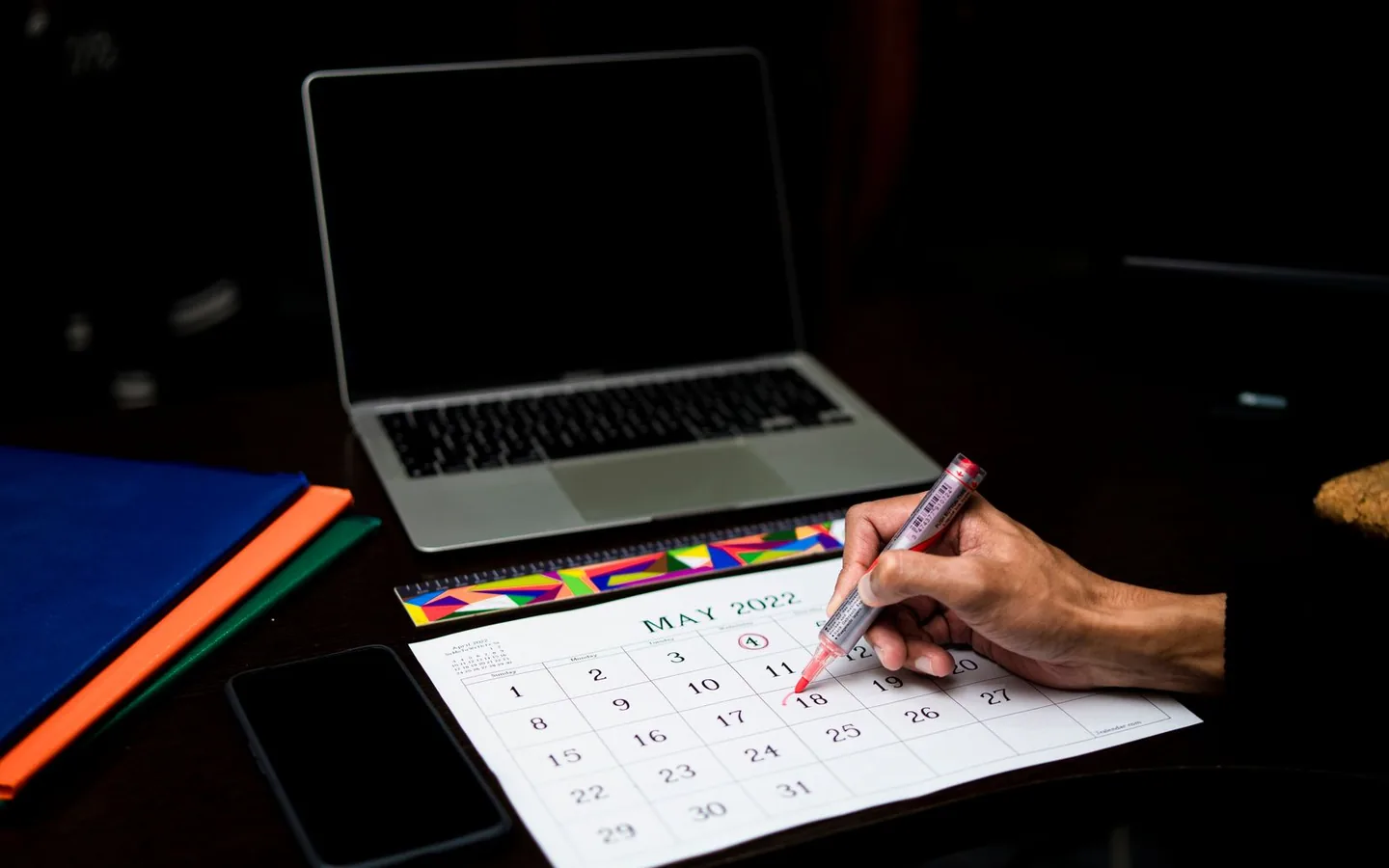
When you stop a task, leave a short note about the next action. Use a verb and keep the target small: compare the second total against the receipts, or rewrite the paragraph below the first heading. Include where the material is if it will be closed. The note can live in the document or on a piece of paper you put on top of the work. A clear, practical handoff is useful even when you are handing the task back to yourself in ten minutes.
When you have an open question, record what you tried and what remains. This avoids doing the same search after a conversation or call interrupts you. It can also make it clear that another person holds the next piece of information. If you cannot progress until their answer arrives, choose another piece of the project deliberately and close the abandoned windows. A visible waiting point makes it easier to stop checking for a result that has not come.
Finish short sessions by putting the desk back in starting condition. Save or name what you changed, return papers to the active tray and identify one task for the next work period. This should be brief enough that you can do it even at the end of a busy day. A complicated closing routine spends the attention you wanted to recover.
Keep the changes that survive a normal week
Try the rearrangement through at least a few ordinary days. Notice how long it takes to start and how easily you return after interruption. Think of one piece of work that kept getting pushed aside and see whether the layout made it easier to pick up. If access to essential messages suffered or another person finds the arrangement awkward, adjust the boundary before blaming the room.
Remove measures you have to compensate for constantly. A phone placed too far away when you use it for work authentication may create more movement than it saves. A locked-down browser setup may send you through unnecessary steps every time you need a source. Make the best choice for the repeated pattern, with a clear way to handle exceptions. You can value an uncluttered surface without clearing it between every thought.
The desk will become useful in a different way as the week changes. A quiet morning may call for a long document, and an afternoon of short requests may call for quick notes and a shared screen. Keep enough flexibility to change modes without resetting the entire room. The arrangement succeeds when the work is easy to find, the interruptions that matter can still reach you and the next session has a place to begin.