Keep Digital Receipts You Can Find When They Matter
Capture return, warranty and expense records with an easy filing habit that works across shops and email accounts.
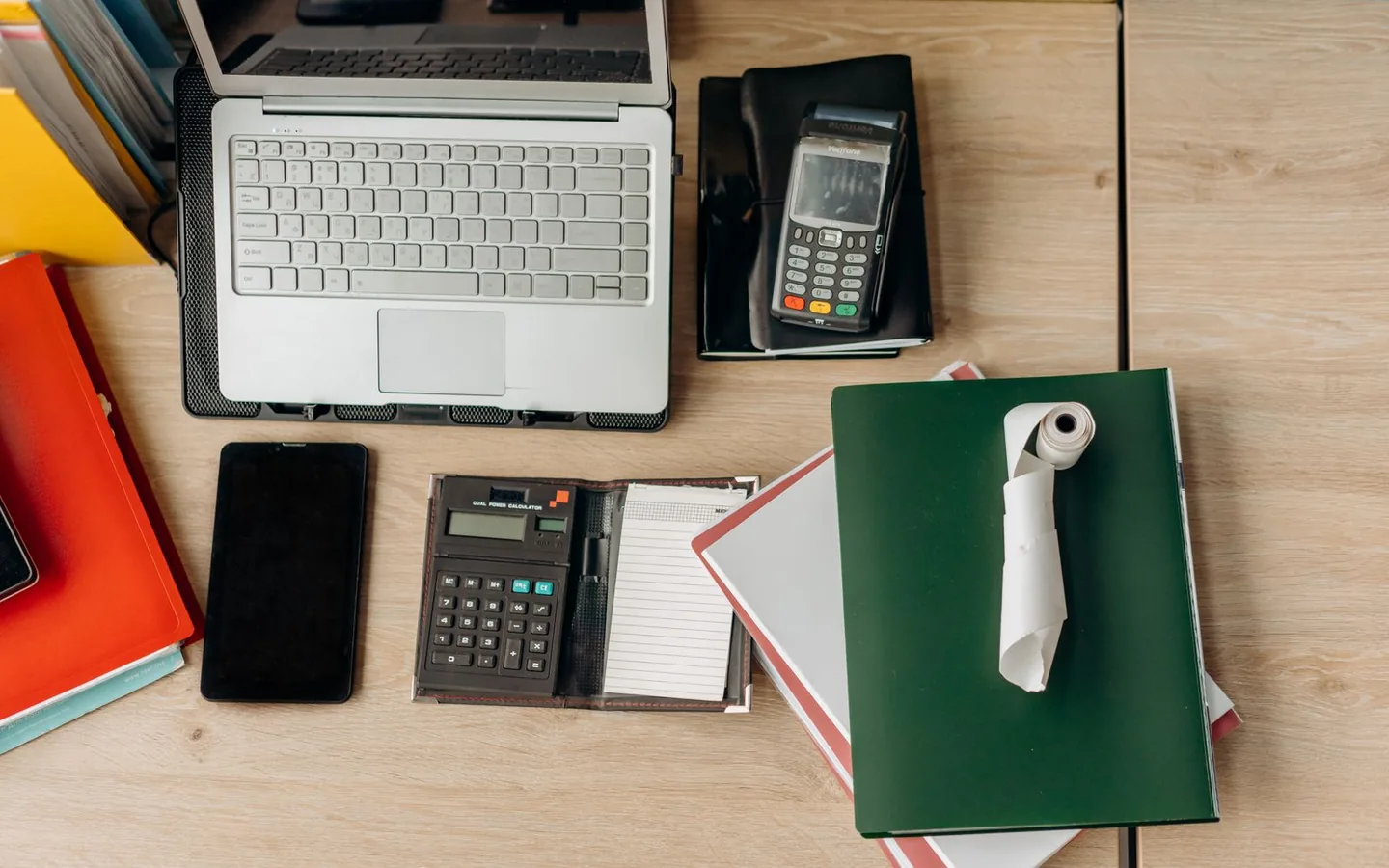
File the receipt where the purchase can be recovered from a date or item name. Save a complete copy with any serial number, return details and associated refund record you will need.
Start with the reason you might look for it
A receipt becomes useful at the moment someone asks you to prove what you bought, when you bought it or how it was paid. A small grocery receipt may matter for an expense report and never again. A purchase for a household appliance may become essential much later, when a serial number and a date determine which support route applies. File for a specific future question instead of trying to save every message forever.
List the records that are hard for you to retrieve today. You may have no trouble finding a recent order from a large store but lose receipts from local businesses. A family member may need the warranty record for an item you bought using your own account. A phone upgrade can separate older screenshots from the labels that once made sense. Each case suggests a different cleanup, and it is possible to improve the problem areas without redesigning all personal records.
Decide whether the receipt only needs to survive a short return period or will become a reference for longer. Put an expected follow-up or return date in your calendar if it is time-sensitive. The receipt folder preserves the evidence. A reminder helps you act in time. Keeping those two jobs separate makes it possible to find an old document without treating every record as an unfinished task.
Save a usable copy from the original source
A store email may contain an itemized receipt, an attachment or a link to a sign-in page. Open the document and confirm that it shows what you will need. An order confirmation may omit a final price adjustment, the itemized tax or the delivery date. For a refund or warranty claim, look for the final sales record instead of relying on the first message you received.
Download an attachment or use the store's supported print or save option if important details are otherwise behind an account. Test that the saved file opens from its new location. A screenshot can work for a short screen with a number and a date. For a longer transaction, save all the necessary material, including the items, merchant name, total and order reference. A cropped image of the total may not answer what the payment covered.
For printed receipts, take a readable photograph in good light. Lay the receipt flat, keep its edges in view and check small text before putting it away. Thermal paper can fade. Preserve a clear image early if you expect to need it. If a merchant or organization requires an original or a particular format, follow that process. A convenient personal copy and an accepted proof for another organization can have different requirements.
Choose one home for receipts with durable names
A folder for receipts can be organized by date without forcing you to guess a complex category every time. Use a consistent date format, then add the merchant and a useful item or purpose. A file named for a replacement oven part is easier to find than one that only contains a scanner's default counter. If a business uses unfamiliar trading and billing names, include whichever name you are likely to search later.
A given receipt may belong in more than one work process. A repair record might matter to the household folder and to a reimbursement request. Keep an original archive copy in its expected place and link to it from your notes where that is practical. If you need an attachment for another system, make an intentional copy. Duplicating everything into several folders makes it hard to know which version has a refund note or a corrected document.
Select a storage place you understand and intend to keep. An email label can be sufficient for many everyday records. Searchable local files can give you a clear export path. A shared household folder is useful when another person needs support documents. Whatever you choose, keep it easy to open on the equipment you will have at the point of use. You should not need to remember which phone took a screenshot years before.
Protect sensitive information when storing or sharing
A receipt may contain a delivery address, contact information, fragments of a payment number or details that reveal someone's habits. Check what is visible before sharing it. If a service needs the item proof and date only, use an appropriate redaction method on a separate copy and verify the result. Keep the original private. A solid box drawn on top in an editor may still leave the underlying text in the file.
Use storage and account access appropriate to the sensitivity. A general family folder can suit appliance records. Individual purchases may need a different home. Choose permissions that allow the actual users to work without asking everyone to use the same sign-in. If you share a file link for a specific request, check who can open it and remove access when the sharing job is done when appropriate.
Before forwarding a merchant message, check any account links within the message as well as the visible text. Some links or codes may be tied to a particular order or session. Save and share the limited document the receiver needs. A landlord, expense administrator or service provider should be able to check the right information without receiving unrelated purchase details from the same account.
Set a review routine that matches real follow-up
Process receipts when you already have a reason to look at purchases. That might be once a week, when filing expenses or when unboxing equipment. Save the high-value document, name it, record any important deadline and move on. Let the least consequential records follow a simpler workflow. A receipt found in seconds when returning a faulty accessory matters more than a complete archive nobody can maintain.
Check the retention requirements that apply to records you have to keep, especially business, reimbursement or tax records. Rules and acceptable formats can vary. For personal files beyond those requirements, choose a practical review point. A one-time link to an order you returned may not need a permanent home once the issue is closed. A receipt supporting an appliance you still use may deserve a longer stay.
Back up important records and try retrieving one from the backup. Check a picture and a PDF, including any note with the reference information. Before deleting a shop account or changing mail services, download the records you intend to retain. Search by an item, seller and approximate date if possible. The best file structure is the one that works with whatever clues you actually remember.
Rehearse a real request
Pick a purchase from last year and imagine asking for service today. Can you find the transaction date and match it to the specific item? Can you tell whether it was returned or replaced? Can a household member with the right access see what they need if you are away? Use the first place you would naturally look rather than the path you wrote down while organizing.
Fix the failures that matter. If every purchase from one store has an unhelpful file name, change how you file future records and rename the few older records you expect to use. If photographs are too blurry to read, improve the capture process. If mail links regularly expire, save an independent copy for purchases with lasting value.
A receipt system succeeds when it can answer a question in the conditions where the question appears. That may be while standing at a counter with a phone or speaking with support near a broken appliance. A readable record, clear ownership and a sensible search term are enough to make that moment feel easy.