Add Ethernet at Home Without Opening Walls
Find a practical wired connection using existing outlets, a safe surface run or compatible coax networking.
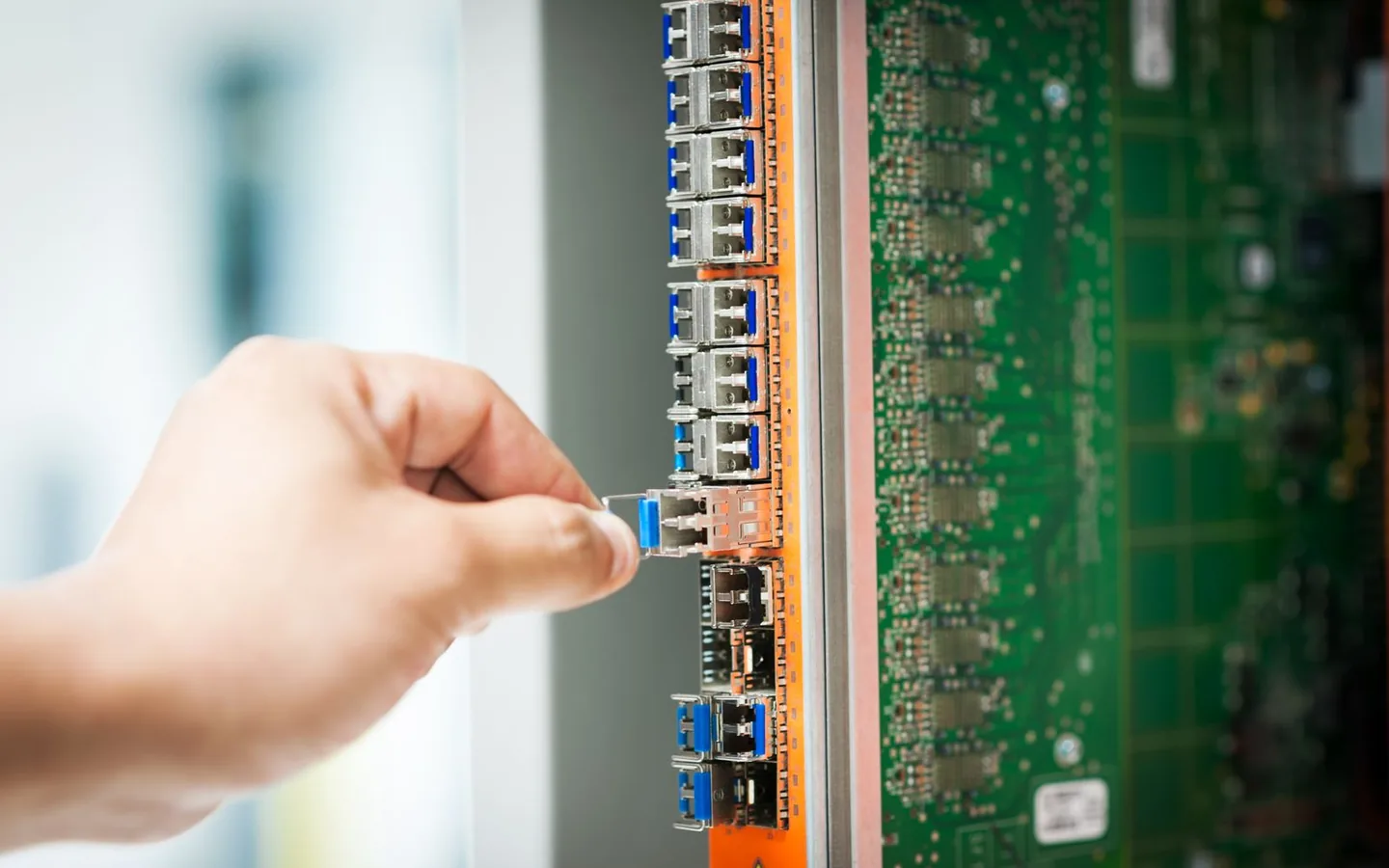
Check for a connected wall jack first. If one is unavailable, test a safe surface run or ask whether compatible existing coax can carry the link.
Give the cable a destination and a purpose
A wired network connection can make a computer, television or access point easier to rely on. It gives the device a dedicated path to the local network instead of asking it to share radio airtime. Before looking at cable methods, name the destination. A desktop that stays in a spare room is a manageable target. A plan to wire every useful location can become a different project, with decisions about routes and equipment that do not have to delay the first connection.
Check the result you want. Someone moving video files to local storage may care about sustained transfer speed. A person whose meeting breaks up when the kitchen is busy may care more about stability and delay. A media device may need only enough capacity to keep a stream playing. If you can safely try a temporary Ethernet lead between the router and the device, run the task once. That test tells you what a direct wired path can offer before you spend time making it tidy.
Record where the relevant network equipment sits. Look for a spare LAN port on the router or a suitable switch connected to it. The internet-facing port has a different job. Check the labels and consult the equipment guide before moving any connections. The ability to identify the source end is what lets you evaluate a route that reaches the destination.
Look for an outlet that already reaches the right place
An Ethernet-shaped outlet in the wall may be connected to a panel, left disconnected behind a plate or intended for a different purpose. Search for matching labels near the place where services enter. A labeled patch panel can be easier to identify by room than a bundle of loose ends. If you are renting or the equipment is in a managed building, ask the responsible person before touching anything serving other occupants.
If you have access to a known local network panel, connect only to a confirmed suitable network jack and follow the documentation for that setup. A connected device and switch may show a link light, but the light alone does not prove that the port leads to the router you intend to use. Test the actual network connection on a device and confirm that it gets the expected service. An outlet that does not work may simply have no connection at its other end.
Look at the connection speed the equipment reports. A working link can run at a lower speed if an outlet, patch cable or piece of equipment limits it. Replace one short patch cable with a known good suitable one before drawing a conclusion about the wall wiring. If the installed cable is unmarked or the termination appears damaged, have it identified rather than forcing an uncertain route into service.
Choose a surface route you can live with
A cable along a wall can be practical when the rooms touch and the path stays clear of doors. Walk the route with a flexible tape measure or string. Include the turns, the vertical drop to outlets and enough slack at the ends to move the device. Look at what opens, swings or rolls along the way. A floorboard edge that looks empty in the afternoon may be the place where someone pushes a chair in every evening.
Keep heat sources, moving doors and heavily used paths out of the route. Choose support or a surface raceway intended for the cable type. Follow the material guidance for the attachment surface, especially in a rental. Avoid pins or staples that can crush the jacket, and observe the specified bend limits. A corner with too little room can be the place where trouble appears long after it looked fine during setup.
A temporary cable is useful evidence when it is placed somewhere safe and removed afterward. Avoid loose leads across walkways, stairs or doorways. If the only possible path crosses a busy threshold, find another way to reach the room or arrange a suitable professionally specified solution. A tidy-looking installation is worthwhile when it remains accessible and safe through ordinary use.
Find out whether the route will still be accessible if a shelf or cabinet moves. An attractive installation that traps the connector behind a heavy piece of furniture is hard to repair. A short exposed patch lead at the destination can be replaced separately from the long protected run. Keep enough space around a wall outlet or low shelf for someone to look at the connection without lying on the floor beside a moving door. That attention pays off every time a device is replaced or moves.
Find out whether existing coax is a candidate
Some homes have unused or shared coax outlets from television or internet service. Compatible networking equipment can use an existing connected coax path to link two Ethernet devices. MoCA is one technology that does this. A wall socket at both ends does not guarantee a usable path: the runs could be disconnected, pass through an incompatible amplifier or serve a provider setup that must be considered first.
Check with the provider or someone qualified to identify the system, including any shared wiring. Appropriate splitters or filters may be needed for compatibility and to keep local signals within the intended network. Do not assume a layout you saw in another house applies to yours. This step matters in multiunit buildings where the boundary of your service can be separate from the nearest cable junction.
Allow for power near each adapter and enough space for two connections. Check that ordinary television or provider services still work before considering the installation finished. A benchmark is only one part of a successful trial. If the arrangement interferes with another device or joins equipment outside your intended network, stop and get the wiring and service boundaries checked. Existing coax is an option to verify, not a reason to improvise with provider equipment.
Recognize where other adapters fit
Adapters that send network signals over existing power circuits can be attractive where both coax and network jacks are unavailable. Their results depend heavily on the electrical layout and nearby equipment. Review the manufacturer's requirements and use only compatible, undamaged equipment in the setting it specifies. You may be able to test whether the result meets your particular need while a return is possible.
Distance measured on a floor plan is a poor predictor of a link that follows the building's electrical paths. A pair of adjacent rooms can behave differently from two more distant outlets. Test when ordinary appliances are in use, including at the time a connection matters most. Avoid adding extensions or combinations the product documentation does not support. If the connection is inconsistent, a different path can save repeated troubleshooting.
A reliable wireless connection can be the most practical fallback when a wired path requires considerable compromise. You might wire a device in an adjacent room where an existing jack works and leave a light-use device on Wi-Fi. Treat the destination and its task as the point of the project. The presence of a cable is useful because it makes that job better.
Check the entire path after setup
Test from the final room with the normal equipment and configuration. Temporarily make it clear which connection the computer is using so you do not accidentally measure Wi-Fi. Copy a safe local file or run the expected meeting. If you rely on the internet service, also check a separate upstream test. A slow service connection can make a good local link look disappointing if your only measurement goes to the internet.
If the newly wired room needs several wired devices, a compatible switch on the local network may provide more ports. Check its speed, power arrangements and the path back to the router. Keep a note of which port connects upstream. Repeating the same test with the switch in place helps identify any limitation before you depend on all its outputs.
Let the setup operate through sleep, a routine restart and ordinary traffic on the network. Check that the cable is still out of harm's way after chairs and doors have moved. If something fails intermittently, start at the visible ends and look for connectors under tension or a device selecting a different network. A consistent problem is easier to investigate when you know which parts of the path worked together originally.
Keep the route easy to undo and understand
Label both ends if several cables will share a panel. Use a short room name or device name and draw the path in your notes. Photograph a raceway opening or connection if its location is easy to forget. Keep network credentials out of a photo you might share. The useful record simply shows what each visible piece does.
Leave enough slack to disconnect a computer without disturbing the route. Keep spare adapters, short patch leads and the manufacturer's instructions together. In a rental, preserve any removable parts that belong to the property. A reversible arrangement is valuable when a room changes purpose or the furniture moves. It also makes testing easier, because you can take out a piece without undoing a permanent finish.
Review the initial reason for the project. If the desktop now stays connected while people use the house, or the local backup can run without drifting offline, the connection has done its job. A clear label and an accessible route make that improvement available to whoever has to use it next.