When a Mesh Wi-Fi Network Makes Sense
Understand mesh nodes, backhaul and placement before putting a new wireless system into service.

Buy mesh for several spaces that need better coverage. Start with the fewest nodes you can place well and check each node's link before you add more.
Identify the problem a mesh system would solve
A mesh Wi-Fi kit establishes a coordinated wireless network across several access points. Its value is that the boxes can be set up and managed together, usually under a shared network name. It can help in a home where one access point cannot reach several places reliably. If everything slows down at once because the internet service is struggling, a second or third radio generally will not fix the upstream problem.
Give the proposed network a concrete task. You might need the rear spare room to double as a reliable office or want a speaker and a phone to stay connected as you move from the ground floor to the landing. Mark those places and check which ones are already fine. If only a television in a single room needs help and an unused Ethernet socket is beside it, a cable may finish the job. Coverage is a practical question before it is a shopping decision.
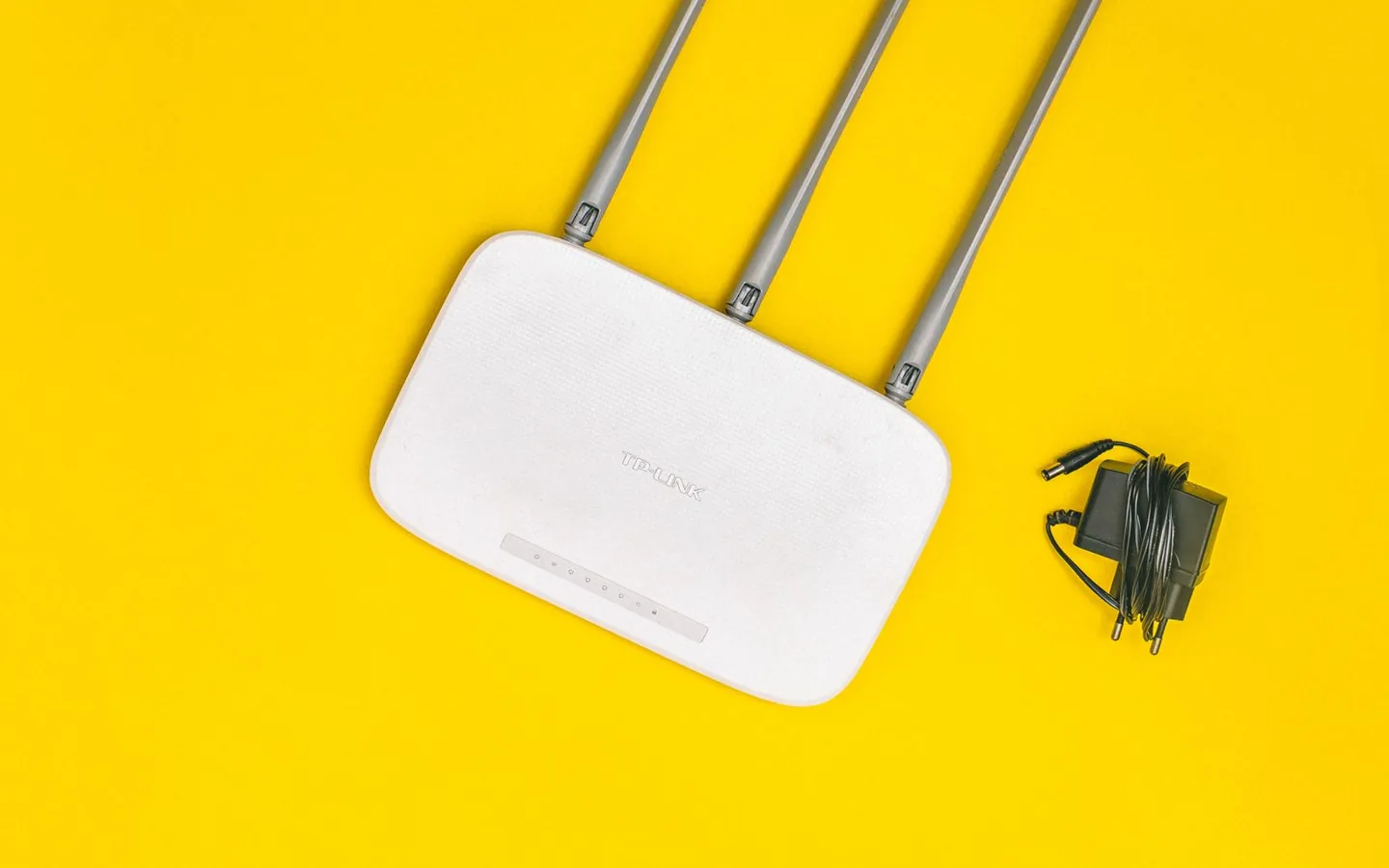
Find out what service equipment you already have. Some internet providers supply a box that combines a modem or fiber connection with a router and wireless access point. Others leave routing to a separate device. A mesh purchase can replace some pieces and sit beside others. Write down the roles and model names. That inventory is useful when you read compatibility information or talk to support, particularly if the internet provider also delivers telephone or television service through its equipment.
Learn what backhaul means before looking at node count
When a phone connects to a remote mesh node, the node has to forward the traffic toward the router. That link between network components is called backhaul. A wireless unit placed on the far side of a wall may give the phone a strong nearby signal while reaching the rest of the network poorly itself. The signal indicator on the phone shows only part of that conversation.
Backhaul can use wireless or Ethernet on systems that support both. An Ethernet path can make a huge practical difference in a house where strong wireless paths are hard to find, particularly through masonry or across a floor that contains metal. Check the product's documentation for allowed wiring paths. With some systems, satellite nodes need to connect downstream of the mesh router even when an existing switch is available elsewhere.
Wireless backhaul makes it possible to add coverage without crossing the house with cable. Some designs share wireless airtime between forwarding data and serving local devices. Other designs reserve or prefer a separate radio for that traffic, or choose a path dynamically. The specification helps you understand the options. It cannot tell you how the units will behave from opposite ends of your actual house. The useful performance is what remains after every necessary link is in place.
Sketch promising node positions
Begin at the primary router. Mark an open spot with access to power and the appropriate upstream connection. You want the path from the primary unit to a satellite to be good enough for the satellite to relay it. Think about doors, the turns of a staircase and the material of walls. A landing can offer a cleaner route between floors than two rooms directly above one another.
Pick one intermediate outlet for the first satellite. The spot can feel too close to the original router on a diagram because the target room sits much farther away. Try it anyway. A halfway position with a dependable backhaul is often more helpful than a distant node beside the desk it serves. Run the system's connection check, if it has one, and confirm the desk's performance using the device that matters.
Place boxes in open positions with clear ventilation and enough slack on their cables. Do a temporary trial before attaching anything, buying stands or hiding cables under furniture. Plan a route your household can walk around during testing. Move one node or the primary unit at a time, then repeat the same call or file transfer. It is far easier to compare two sensible positions than to explain the consequences of moving three units together.
Decide which device will route the network
Most home networks have a single router doing the main jobs of sending traffic between networks and assigning addresses to local devices. A mesh system in router mode can take over those tasks. An internet provider's gateway may offer a bridge mode that passes the public connection through to the mesh router. Alternatively, some mesh products offer an access point mode so the provider gateway can remain in charge of routing. Support for these modes and their features varies.
Leaving both systems in router mode creates two layers of network address translation in a common arrangement. Web browsing may work while some games, remote access and local device discovery become more complicated. A printer connected to one network may be invisible to a laptop on the other. Check the manufacturer's diagrams and ask the service provider about the gateway if you depend on a particular feature. There is no benefit in turning off a working provider setting without understanding what else uses it.
Write down the old network name and take screenshots of useful settings before changing equipment. Reserve a time when you can restore the previous setup if something unexpected happens. On a working home network, other people may be using a call, security camera, printer or connection to a work service. A short maintenance window is a courtesy that also leaves you time to test uninvolved devices afterward.
Check compatibility where it matters
A shared wireless standard helps ordinary client devices join compatible networks. It does not promise that two brands' mesh nodes can be managed together. Even units from the same vendor may belong to different supported families. Look for the model-level compatibility list if you intend to start with a small kit and expand. Read it again before buying a used satellite whose retail name resembles your original.
Check features that shape the household. A guest network, Ethernet ports at a remote node, controls for local devices and support for the usual security modes may all matter. Find out which of those features operate if the system is in access point mode. Consider whether a cloud account is required to administer the system and whether basic settings remain reachable if the internet connection is unavailable. A local connection problem is difficult to work on if the only administration path needs the connection you are trying to restore.
Read what the company says about updates and account recovery. Avoid retired models with no practical route to necessary software updates for the main network. A spare older access point may be fine for temporary testing, but the equipment routing all your household traffic deserves continuing support. Save the instructions for resetting and enrolling a replacement unit without losing track of the functions other people rely on.
Test walking, working and recovery
Use the network as you normally would. Join a video or audio call on the ground floor and walk toward the stairs. Sit in the far office and upload a file. Start a stream on the television while someone else works from home. Roaming decisions depend partly on the client device, so a smooth walk with one phone does not guarantee the same behavior on an older laptop. Test the combinations that seem important.
Check the result where nodes overlap. There may be a spot where a phone clings to a more distant node longer than you expect. Check whether a small placement change improves the overlap. Resist making multiple settings changes after one stumble. If the connection returns quickly and the same walk gives good results later, the initial event may have had nothing to do with the position of a particular box.
Also test what happens after a short planned power interruption, if it is safe and convenient. Restart equipment in the order recommended by the manufacturer, allow time for it to reconnect and check the services that should come back by themselves. If a node takes a long time to rejoin or repeatedly fails, record its location and update state before replacing it. Recovery matters in a system that other household members should be able to use when you are away.
Buy an expansion only after another measurement
A package with three boxes is easy to imagine as a complete solution. More nodes can help when the house presents successive barriers and the nodes have sensible positions. They can also increase complexity and create more overlap where coverage was already adequate. If two well-placed units meet the original requirements, keep the plan simple. A third node in the box makes a reasonable spare if the terms allow it.
Keep a record of where each unit lives, what cable connects it and which box is responsible for routing. Photograph the connections behind a crowded shelf if reading the labels later will be difficult. Store a copy of the local setup instructions where you can reach it from a device with no working Wi-Fi. The diagram will earn its space if a cable comes out during cleaning or a family member has to restart part of the system on their own.
A successful mesh system quietly supports the places that asked for it. You can finish a meeting upstairs and watch a program at the other end of the house without thinking about which box the devices chose. Let those ordinary outcomes serve as the final test. Coverage that meets the household's needs is more valuable than putting the greatest possible number of nodes on the map.