Smart Lighting Without Lock-In
Plan a lighting setup that preserves manual control, works with your chosen platform and leaves a path to change later.
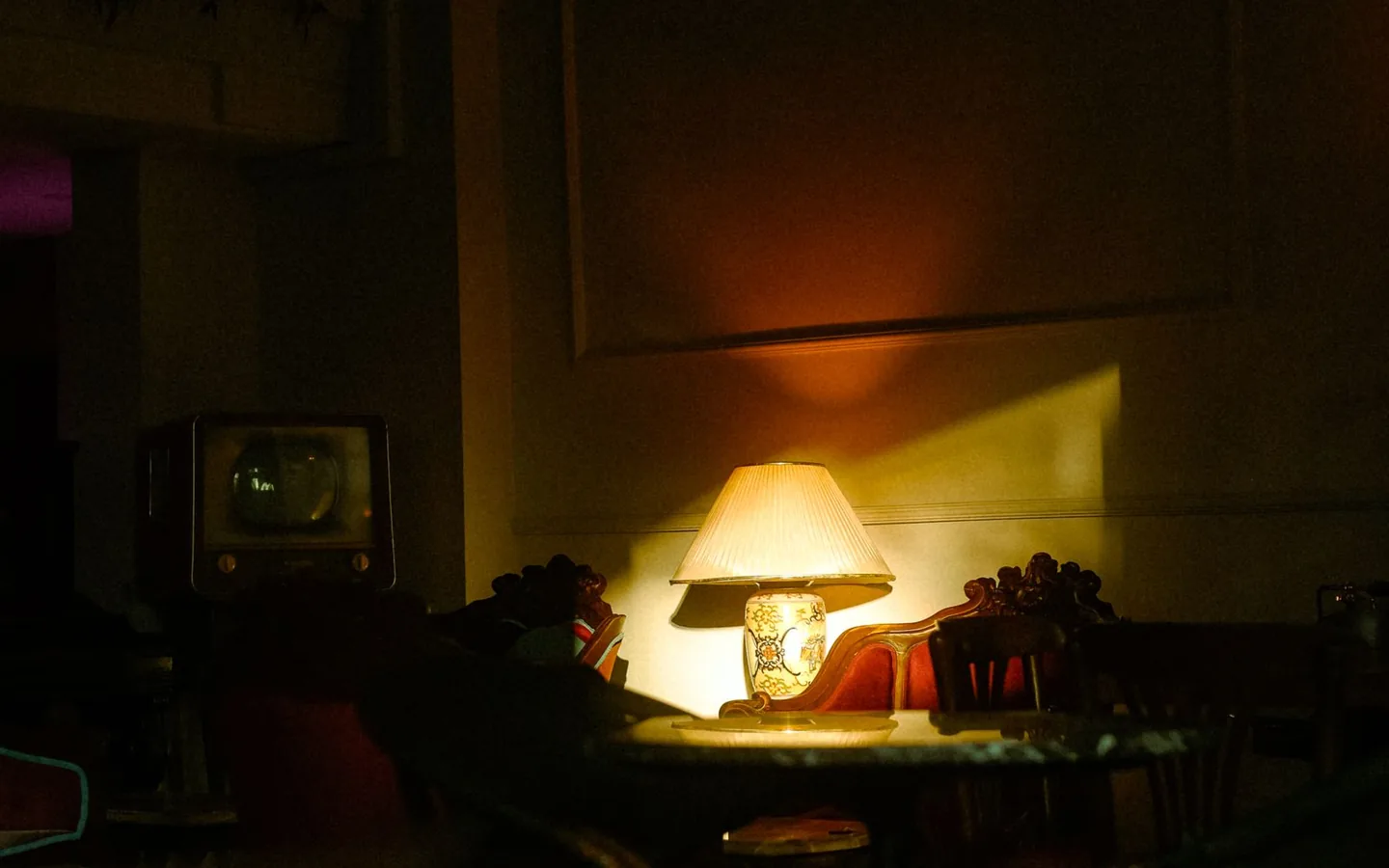
Start with a single room and keep a physical way to turn lights on. Verify your devices' local behavior, controller requirements and replacement path before expanding.
Choose whether the bulb or the switch should be smart
A smart bulb makes sense when you want to control one lamp individually, change its color temperature or take it with you when you move. Confirm the socket type and whether the bulb is suitable for an enclosed fixture or another environment that matters. If the lamp already contains a dimmer, check the bulb documentation for compatibility rather than trying to operate two dimming systems together.
A switch-based system is a different fit for a group of ceiling lights that should always behave as one. The lamps can often remain ordinary compatible bulbs. Physical control is in a familiar place, and the connected feature is attached to the circuit. Before considering a wired switch, ask a qualified electrician to check what the installation supports. Wall box space, wiring, the type of load and local requirements can all affect the choice. Use a plug-in or wireless option while those questions are unresolved.
A wireless button can handle a common scene without requiring changes to building wiring. Find out how it communicates with the lights, whether it needs an extra bridge and how you will know when its battery needs attention. Set it somewhere an unfamiliar person can see, and consider labeling unusual functions. An inviting setup lets a person turn the room on first and discover its extras gradually.
Read compatibility as a series of jobs
A product can work with a platform in several different senses. It might appear in the app and allow on and off control, handle dimming and colors, or expose more detailed features such as transitions and timed scenes. A compatibility badge only answers part of the question. Write down what you need each light to do, then see whether the bulb, controller and intended app all support those jobs together.
Matter is a smart home connectivity standard that can make common features available across participating platforms. A Matter device may use Wi-Fi or Thread, among other supported connection options. Thread devices need an appropriate way onto the rest of the local network, usually a compatible Thread border router. A device description should tell you what it requires. Keep the everyday examples in mind when a product page lists several symbols without explaining how the parts connect.
Existing lights may reach a Matter platform through a bridge. In that arrangement, the bridge talks to the devices using their existing technology and presents supported controls to the new platform. The bridge is still necessary. Advanced effects may remain in the original manufacturer's app. Verify support for the exact bulb and function, because two lamps sold under the same family name can have their own limits and firmware requirements.
Check what stays local after setup
A connected light may process manual commands and schedules locally while relying on a service for setup, updates, voice control or access from outside the home. The lines vary by product. Decide what you expect during a short loss of internet service. Turning on the lights from a nearby button is one requirement. Adjusting them by voice or from another city is a different one.
Read the controller documentation before choosing a product on the promise of local operation. Look for the role of an account and what happens if the app is unavailable. Then verify the ordinary things after setup. During a convenient test, disconnect the internet connection without turning off the local network and try the physical button and the app from home. Let a short schedule run if a clock-based routine is important. Restore the connection and confirm the system recovers normally.
Control can be local and still depend on a particular hub, phone or power supply. Record which components have to stay online. Check whether the hub is available separately and whether replacing it requires resetting every device. If you keep a printed card with the basic diagram, another resident can tell whether an unresponsive room has a power problem or whether a controller in a different room was unplugged.
Build scenes you can explain in ordinary language
A reading scene has a useful job if it turns on the comfortable lamp at the right level without lighting the entire room. A late-night hallway setting can be useful if it keeps the path visible without waking someone sleeping near the door. Give each preset a clear name and observe it under the circumstances it was made for. A scene designed at noon may be brighter than necessary after the house goes quiet.
Automations deserve the same attention as buttons. Think about what should happen if the room is partially occupied, a person sits still or another user changes the same light. A motion rule for a throughway is different from a motion rule in a reading nook. Consider whether a manual adjustment should temporarily pause automation. Test the routine with someone who did not set it up. Their confusion is a good sign that the system needs a clearer default.
Avoid having several ecosystems issue competing commands while you experiment. It can be hard to tell which schedule turned a light on if a brand app, a platform and a sensor hub all store their own rules. Choose a home for each routine. Record where it lives so the routine is easy to change without wiping a whole room or turning off features somewhere else.
Check the default after a room's longest ordinary gap in use, such as the first time you come downstairs before dawn. A daytime scene that makes the room look bright in a photograph may spill light under nearby doors. A sensor that worked when you crossed quickly may behave differently while you carry groceries with both hands. Revisit the preset at a few times of day so it becomes a reliable household feature, with a physical fallback that anyone can use.
Plan household access and recovery
Share control through the platform's supported household or user invitation feature if it offers one. Use the accounts people expect to keep rather than tying all access to a phone or work email that might go away. Check what guests can do without an account and how to remove access after someone moves out. It is worth testing basic control from a second person's phone before the first person leaves town.
Keep original setup codes in a private place. A label on the bulb or packaging may be needed after a reset. Photograph it for your own record without posting the code publicly. Note which light it belongs to, especially when several fixtures contain identical models. Also record the correct reset process from the manufacturer's documentation. Repeated accidental power cycles can reset some devices, so the physical behavior of the room matters.
Simulate what happens after a light loses and regains power. Models differ in whether they return to the last state, switch on immediately or follow a preference set in the app. That difference can be important in a bedroom. Pay attention to whether a hub and its lights recover at different speeds, and give them enough time to reconnect before assuming a rule or bulb failed.
Expand only after the room has earned it
Live with the trial setup long enough to see the boring problems. Can a guest find a switch? Does a cloud account matter for a room you only use physically? Do you keep using dimming after the first week? Decide which capabilities are useful enough to repeat. A small set of well-understood products is easier to support than several different solutions chosen on separate sales.
For future additions, check that the size, fittings and ordinary light output suit the next room, even if the existing platform is a good fit. A bedside lamp and a broad ceiling fixture may have different requirements. Keep a route back to a simple bulb or familiar switch where appropriate. A room that works well should be able to survive a change in app, phone or preference without requiring a bigger home project.
Pricing the replacement path can change a purchase decision. If a single discontinued bulb would take a distinctive fixture out of use, the setup is more fragile than it looks. If a standard bulb can restore useful light while you work on the connected part, the risk is much smaller. A household can enjoy sophisticated lighting in one room and keep another wonderfully plain. The useful part of an interoperable system is the freedom to choose what belongs where.