Will a Smart Thermostat Work With Your Home?
Gather the information an installer needs and choose connected controls that preserve the heating and cooling you rely on.
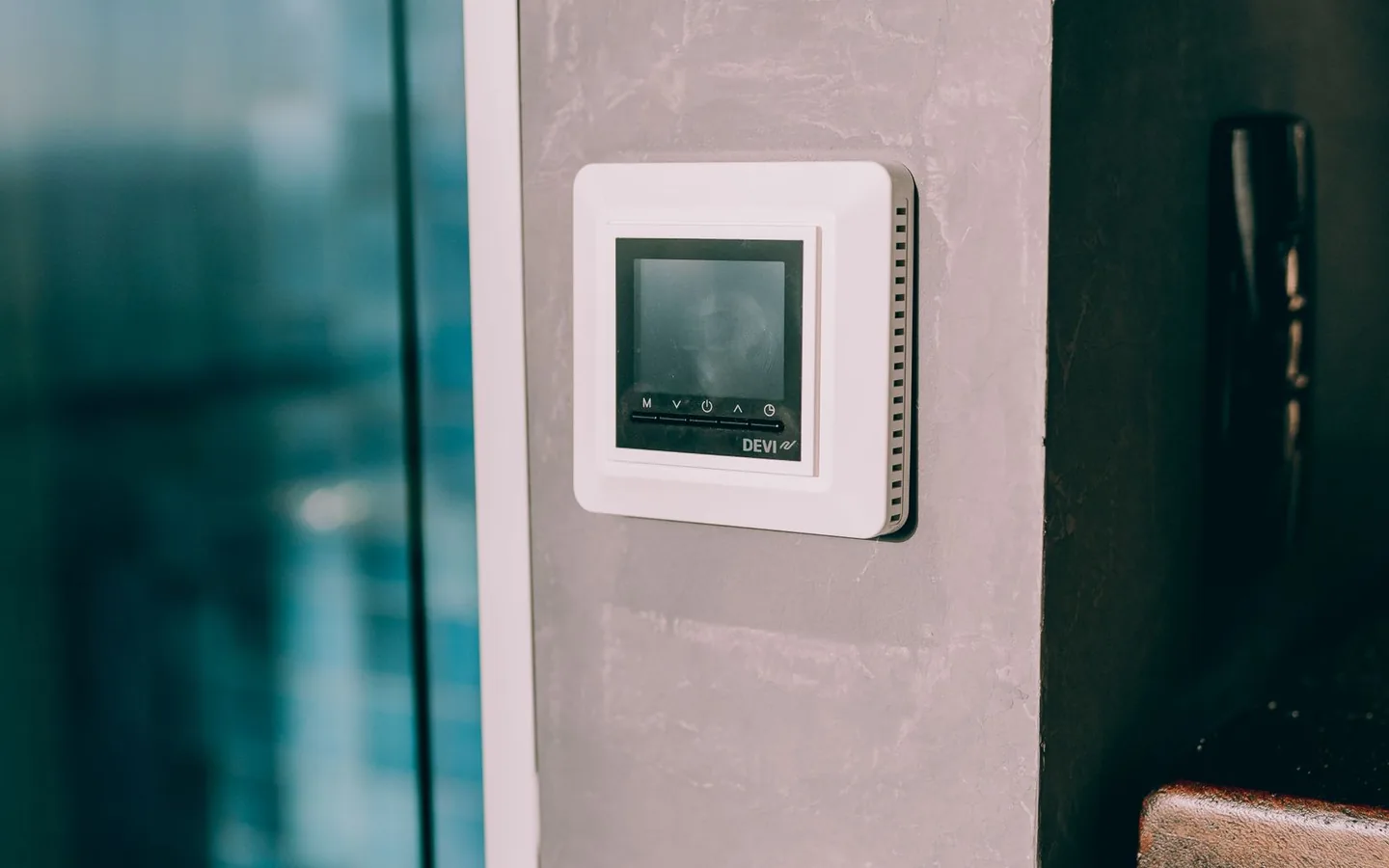
Identify the heating and cooling equipment and its existing controller. Verify compatibility with the manufacturer or a qualified installer before choosing a smart thermostat.
Start with the equipment, not the display
A thermostat is a control for a heating or cooling system. Its screen can make it look like a self-contained appliance, but the rest of the system determines which controls it needs. An attractive replacement may be unable to handle a second heating stage, a particular heat pump or a manufacturer's variable-speed system. Map the equipment before you decide which display should go on the wall.
Gather names and model numbers from documentation, installation records or accessible labels. Identify the current thermostat and any separate controls, including equipment for cooling, ventilation or humidity. Note how many independently controlled areas there are. If you are unsure what is connected to which control, describe the rooms and how they behave rather than guessing from a button. An installer can use that information to work out the arrangement.
Think about why you want a change. Remote adjustment for an irregular schedule is different from simple scheduling you can maintain from the wall. A room that is always cold may need a diagnosis of airflow, equipment or the building. A new thermostat can help control a compatible system but does not correct the physical reason one room behaves differently. Ask whether the existing controls are already capable of the feature you need.
Make compatibility a conversation about functions
A thermostat that can send a basic request for heat may still be a poor match for equipment designed to exchange more detailed information with its original controller. Ask whether the replacement preserves the stages, auxiliary functions and control behavior you depend on. A thermostat described as compatible with broad categories of equipment should also have documentation for the particular configuration you own.
Many models need a suitable low-voltage supply to power the display and maintain a network connection. Some systems provide a common wire, and some manufacturers support another documented power arrangement. Line-voltage systems and proprietary controls can have substantially different requirements. Ask a qualified heating or electrical professional to confirm the control type and power options. Avoid using the color or apparent number of conductors as a shortcut to that answer.
For a heat pump, ask whether the setup will preserve the manufacturer's intended handling of auxiliary or backup heat. For a zoned system, ask whether the single replacement affects other thermostats or the zone controller. Mention any coordinated humidification, ventilation or temperature limits. The answers may establish that a specific approved controller fits the house better than a broad claim on a store listing.
Know which permissions and approvals apply
If you rent, get the property owner's consent before changing a permanent control. In some multifamily homes, the visible thermostat controls equipment that is partly maintained or managed by the building. Ask management how compatibility and restoration should be handled. Save the old thermostat and its documents if you are expected to return the property to a previous configuration.
Check which installation services are included in a quoted price. A straightforward replacement is different from one that needs an additional power solution, a different control system or new wiring. Ask whether the installer will confirm compatibility before beginning and test the modes afterwards. If a service provider offers a discount or incentive, read the actual terms. Some programs involve optional remote adjustments or account permissions.
Choose a convenient period for the work. A seasonal extreme is a difficult time to discover a compatibility issue, particularly if children, older adults or temperature-sensitive equipment depend on the home. Ask what happens if the old system has to be restored. An installer who knows the existing setup can tell you how long the heating or cooling may be unavailable and how they will verify recovery.
If the property is new to you, ask whether the existing thermostat is working as intended. Old work orders can explain why another controller was removed or why one zone appears separate. Take a short list of current problems to the site visit. The installer can distinguish an existing issue from a limitation of the proposed replacement while both are still easy to discuss. Ask for the compatible configuration in writing, including any differences from how the current controls handle separate rooms. That record will be useful when a different service technician visits.
Evaluate controls on and off the network
Walk through a few ordinary jobs with the candidate device in mind. Can a visitor read the current temperature and make a temporary adjustment? How does a resident change the schedule from the wall? What happens when the connection to the internet fails? Ask which controls and schedules continue locally and which rely on the app or a remote service. Access from another city is a separate capability from turning up the heat in the room.
Check the maker's instructions about household access. Give separate permissions where the system supports them. Make sure the primary account will remain available if the person who initially set it up gets a new phone or leaves the household. Find out how to remove an invited user and transfer ownership. Those details matter in a device whose most important function keeps serving whichever people are physically in the house.
If the app uses a cloud service, consider what information it receives. Schedules, sensor data and presence-related features can suggest when a home is occupied. Decide which features you would use and review the available privacy controls. A simple schedule is often sufficient for a predictable household, while remote access may serve someone who regularly arrives at different hours. Choose the connected behavior that provides a clear benefit.
Make a schedule that fits the home
Write down the times when the home actually needs to be comfortable. Include a typical morning, evening and period when people are out. If residents' schedules differ, make room for the person who works late or spends a day at home. A schedule copied from a demonstration can create complaints that have nothing to do with how well the new controller communicates with the equipment.
Before trying larger temperature changes, discuss suitable targets and recovery for your system with the installer or manufacturer. Equipment types and buildings behave differently. If the thermostat uses room sensors, decide which readings should control which periods. A sensor in a sunny room or beside a warm appliance can create an unhelpful view of the entire space. Plan where sensors will sit and how you will recognize a low battery.
Turn on optional learning or occupancy behavior only after you have a good baseline. A small adjustment, observed through several typical days, is easier to understand than multiple changes at once. Record the schedule and any choices that override it. If people keep overriding the same time period, change the schedule to match the real day rather than treating every adjustment as an exception.
Commission the system with a simple checklist
Have the installer verify the modes the property actually has, using conditions and methods appropriate to the equipment. Check that the wall display reports a reasonable state, that the requested modes behave as expected and that alerts reach the right accounts if those features are enabled. Ask the installer to show you how to handle an ordinary adjustment, out-of-network control and the initial indications of a fault.
Keep the equipment and setup records where another household member can reach them. Save the support details and note any settings the installer chose for the system. A thermometer placed sensibly in an occupied room can give useful context if you later question the reading. The difference between the wall control and a separate room may be part of the building's ordinary behavior, not a defect in either measuring device.
Pay attention after an ordinary restart or permitted connectivity interruption. Make sure the wall remains usable and that the app reconnects in the way the maker describes. If the new system presents warnings, abnormal operation or repeated interruptions, contact the installer before trying unfamiliar configuration changes. Bring dates, the mode in use and the exact message. That information makes a second visit or a support call more useful.
Judge comfort and convenience before claiming savings
Try the connected controller during a representative stretch of use. Check whether people can change the room temperature without asking for help, whether scheduled transitions fit the day and whether remote adjustment solves the original problem. A small change in how often someone walks to the wall can be a reasonable result. A controller that makes the basic job confusing will struggle to retain any advantage from automation.
Read energy reports with the circumstances in mind. A colder week, an extended absence or differences in who spent time at home can move the numbers significantly. Estimates in an app describe what its model or equipment can observe. Keep comparisons to similar periods when possible, and treat unexplained changes as a question for the installer or utility rather than an immediate verdict.
Take a moment to write a short handoff for the next person who uses the controls. Include how to make a temporary change, where the schedule lives and who to call for help. Keep the previous records if the system has to be serviced in future. A thermostat belongs to the building as much as to a phone. The best choice continues to do its ordinary job when the weather, the schedule and the person holding the phone all change.