Where to Put a Home Router
Compare shelf height, wall materials and cable routes to find a better location for your home router.
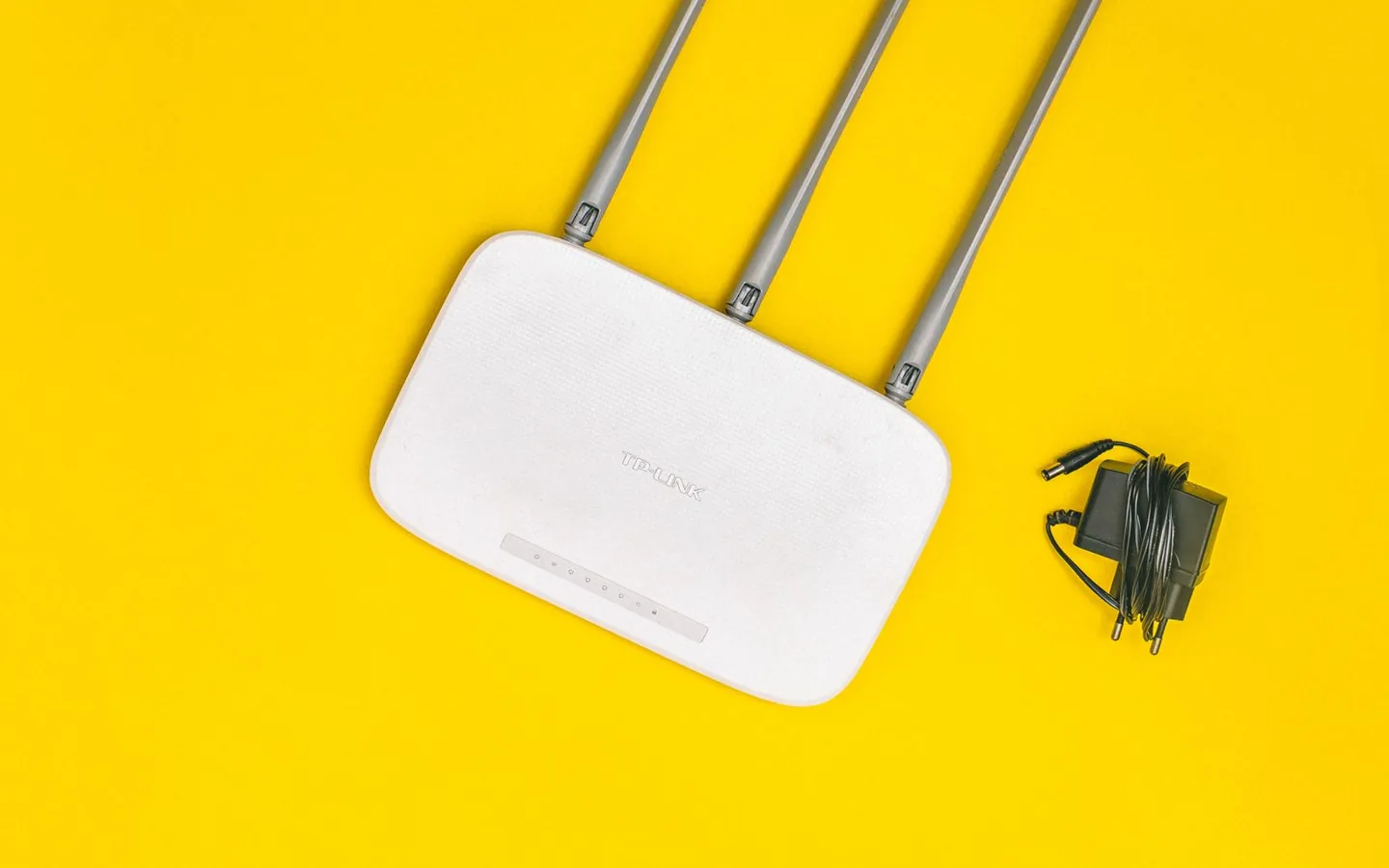
Put the router in an open, elevated position near the spaces that rely on it. Test a temporary spot before making any cable route permanent.
The spot where the internet enters is only the beginning
The room with the service connection often decides where a router starts out. An installer may choose the first usable outlet beside a wall jack. That is a sensible way to bring a line into service, yet it can leave the radio on the floor beside a crowded television stand. The router may work much better a short cable length away. Finding a good home for it is a small experiment in how the building is arranged.
First identify the equipment. A fiber terminal, cable modem and wireless router can be separate boxes. Some services combine two or more of those jobs. Look at the labels and manufacturer documentation if you cannot tell which component is broadcasting Wi-Fi. If the router connects to another box with ordinary Ethernet, you may be able to relocate just the router. Do not bend, unplug or attempt to extend service wiring you do not recognize.
Sketch three places where good coverage matters. Use the spot you sit for calls, the sofa with the difficult streaming box or the end of the kitchen worktop where a device normally lives. A central shelf is a useful candidate, but the center of the rooms you use can be more relevant than the center of the entire floor plan. Give permanent equipment a place on the sketch too, including anything that still needs a short Ethernet connection.
Be aware of what sits in the path
Look along the direction from the router to each target location. An air-filled hallway, a timber partition, a tiled wall and a large metal storage unit all present different obstacles. A route that crosses a thick wall at a shallow angle can effectively ask the signal to travel through more material than it crosses straight on. A move that looks tiny from above may create a substantially clearer path along a doorway.
Look for furniture that behaves like an enclosure. A metal cabinet, an appliance surround or a television surrounded by wiring usually makes a poor resting place. A storage box with a closed wooden door may be more forgiving, but there is little reason to contain the router unless you have compared it in the open. Give the equipment the clear ventilation space its manufacturer specifies, especially in warm rooms.
The biggest obstacle in a multistory home may be the floor rather than the wall. If the only outlet is in a front room below a distant bedroom, a staircase or landing around the side might offer a better path. Try a shelf next to an open stairwell where cables can be managed safely. A strong connection in the room above the router does not tell you what the room beyond a dense dividing wall will receive.
Try height without chasing a universal rule
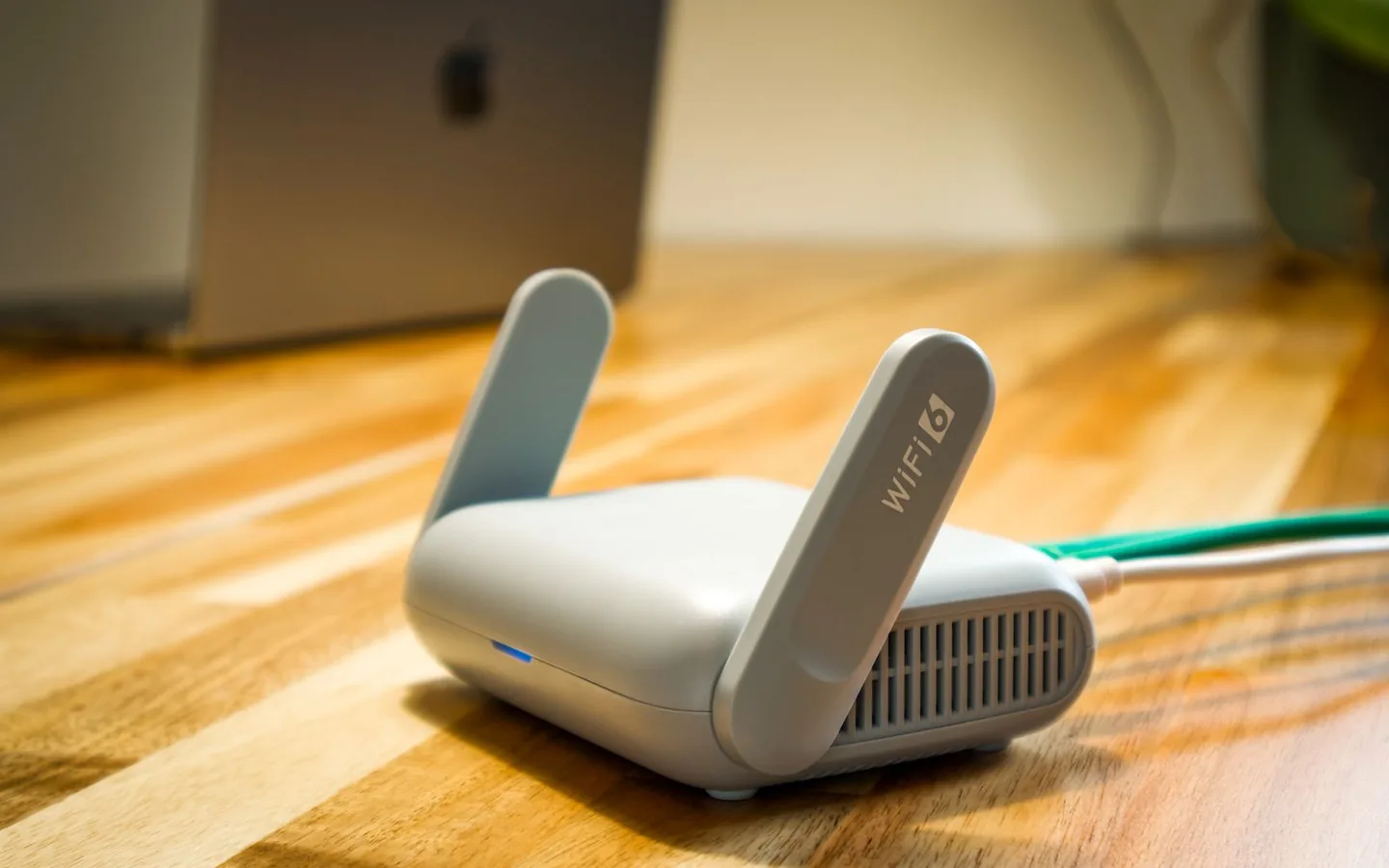
Start with a shelf around the height of an ordinary sideboard or bookcase. Elevating the unit keeps it clear of some furniture and other material near the floor. A tall shelf can work, but there is no single correct height across every antenna design and home. Leave enough clearance around the router to use its controls and inspect its status lights without moving it every time.
Follow placement instructions for the model. Some devices are designed to stand upright. Others are made to sit flat or use a specified wall mount. If external antennas are adjustable, start with the maker's recommended arrangement. Experiment with one change after obtaining a stable baseline. Changing the height, angle and antenna orientations all at once leaves you with several explanations for any improvement.
An open space is also easier to inspect when the connection goes down. You can see whether cable strain pulled something loose, whether a child reached a power button or whether a light reports an upstream fault. Choose the position for the years the device will live there. The most elegant position on installation day may become annoying if it turns every restart into an exercise in moving furniture.
Make a temporary placement before you plan a permanent route
If the router can move on a longer Ethernet lead, start with a safe temporary route. Work when the household can tolerate a short interruption. Choose a cable appropriate to the equipment and keep the lead out of walkways, especially past stairs and doorways. Set the box where it will not fall, give the equipment time to reconnect and check that the expected network is available. Leave permanent decisions for after the trial.
Try the actual device at each important location. An office laptop should be tested on the desk and a streaming device should be tried with the cabinet arranged as usual. Use the same short test at each location after each move. Try a video call if that's the reason for moving the router. A result from a phone held at shoulder height can give useful context, but it does not answer what a device sitting lower in a cabinet experiences.
Compare at least two positions if the trade-offs are close. One might fix the upstairs bedroom while worsening the downstairs office. A shelf a little farther along the hallway may serve both. Make a short note with the position, time and result so you can remember whether tiny differences actually repeated. A router position often stands out due to stability, without winning every single speed comparison.
Include the original location in your comparison. Once cables have been unplugged and reconnected, a problem that looked like weak coverage may change because a loose connection is now seated correctly. Repeat the best result a little later and make sure it survived the move. If the difference is marginal, the cleaner cable route or easier access to the controls can be the deciding factor.
Put cables where people can live with them
After the trial, plan the everyday cable route. The cables should arrive without tugging on the router while still allowing you to reach the ports. Look at the direction the power adapter and Ethernet connectors protrude. A shelf that seems deep enough for the router may be too shallow once a cable needs room to curve naturally behind it. Preserve the necessary airspace and check that a plug sits fully in the socket.
Avoid pinched routes near moving doors and tight bends under furniture. If you need to run cable through a wall, along exterior surfaces or near electrical wiring, get help from someone qualified for the installation and follow local requirements. A seemingly tidy route can be wrong for the cable type or the building. A surface route with suitable clips or a compatible cord cover may be an easier reversible option in a rental.
An extension should support everyday maintenance. Separate the power adapter from a tangle of plugs if you can. Label the connection toward the modem and the ones that serve rooms or permanent devices. If the preferred location takes away an easy Ethernet link for a fixed television, decide how that equipment will connect before you complete the move. One additional cable path may solve both problems.
Make obvious adjustments before adding hardware
If the change fixes most rooms, ask whether the one remaining weak spot needs improvement. A printer that can move a shelf might be an easy adjustment. A desktop may come with an antenna base that can be placed in the open. A television that is hard to reach wirelessly might be close to an existing network jack. All three options preserve a straightforward main router location.
Some layouts need another access point. If Ethernet is available closer to the weak space, the additional device can use a wired connection back to the router. If the connection must be wireless, place the second device where it still has a practical link to the first box. Putting the extra equipment exactly where the original signal drops away tends to preserve the same weak link under a different name.
When an extension is necessary, keep the primary placement work. A second device is easier to reason about if you know the first box has an open home and a few clear paths. Recheck the original important spaces after any addition. A local improvement is useful when it doesn't introduce new complications for a place that worked perfectly.
Choose a spot that survives the next room rearrangement
Check that the new location holds up when people use the room normally. A shelf that is empty at midday may hold books, a metal box or a seasonal decoration later. A cabinet door may be habitually closed by another person. Consider what happens when someone vacuums around the wires or moves a nearby lamp. Giving the router a stable place can prevent intermittent problems that are hard to reproduce later.
Write the position down with the date and basic test results. Include a quick photo of the cable paths if there are several nearly identical adapters. The next resident, service installer or person looking for a disconnected plug can see what the arrangement is meant to look like without knowing why you chose it. Save that photo somewhere available even when the home's internet connection is down.
In many homes the final spot is unremarkable. It is an open shelf with enough room for the cords, within reach of the rooms that need service and far enough from the television to avoid being buried in its leads. The proof is modest too. Connections hold in ordinary places, people can still use the shelf and you do not need to move the router whenever someone opens a cabinet.