Choose an E-Reader for the Books You Already Read
Start with library and book compatibility, then compare screen size, lighting and annotation features.
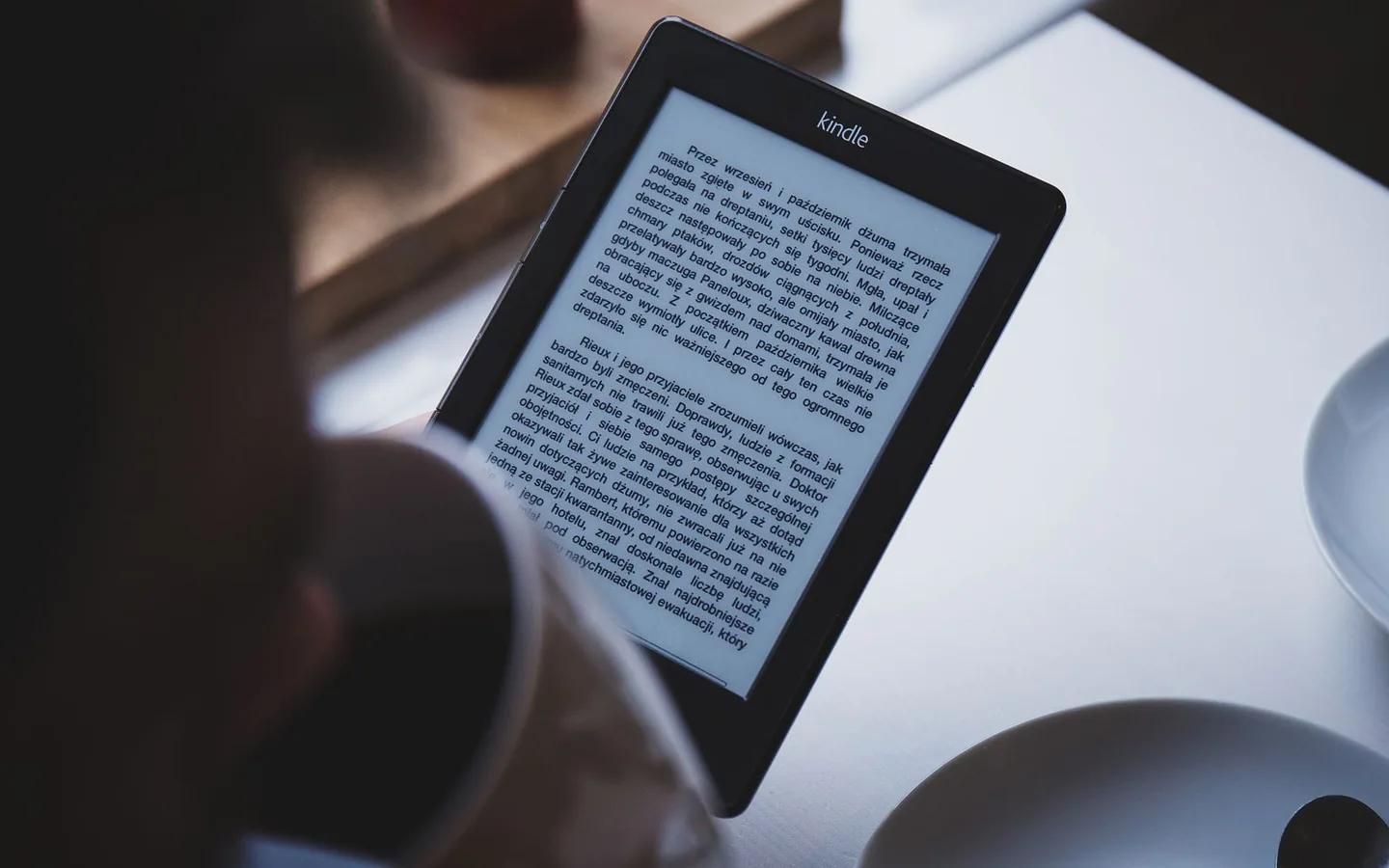
Check that your library loans and existing files can reach the device. Then choose a screen size and controls that suit your reading habits instead of the longest feature list.
Start on the shelf you already use
The first test for an e-reader is whether the books you want can get onto it. Make a list of a few titles before investigating screens. Choose something you buy, a title you borrow and a document or file you already own. Work out how each would move from its current source to the device. This approach catches an incompatible library or book store before a pleasing screen makes you forget the question.
If you borrow most of your books, check with your library rather than relying on a generic product description. A lending service may work with certain devices only in certain countries, and not every title in an app is necessarily available to send to a particular device. Try the precise steps for a normal loan: find the title, borrow it, transfer it and open it. See what happens on your next loan as well. A device that simplifies the most common source of books earns its place quickly.
For books you purchase, understand the relationship between the seller, your account and downloaded files. An account-based library can be convenient. It may also depend on services you do not control. If you have documents or books that can be transferred directly, confirm the formats the exact device supports and how it transfers them. Files protected by a particular rights-management system can have different requirements from unprotected files of the same extension.
Distinguish a reflowable book from a page image
Most modern fiction and narrative nonfiction can be laid out to suit the screen. The words move to new lines when you enlarge the text. That makes it possible to carry a small reader without making the letters proportionally smaller. A book with a fixed page, such as many PDFs, preserves the original layout. Enlarging it can mean panning across the page or reading each column separately.
Try a page that represents the demanding end of your reading. A long equation, an illustrated cookbook and a two-column research paper all place different demands on a small screen. Look at footnotes and tables as well as ordinary paragraphs. A larger screen helps when side-by-side information is important. If the pages need frequent zooming and fast movement, an existing tablet may be a better fit for those particular files while a smaller reader handles books.
Manga and other graphic material bring their own preferences. Some readers are happy with a compact display for a single high-contrast page. Detail, color and text in a small speech bubble may require a different size than the same person chooses for a novel. Take a representative sample in the actual file type. Rely on what you can comfortably read, even if a small promotional image looks attractive.
Hold the device the way you will use it
E-readers are particularly appealing when they can go somewhere a large tablet rarely goes. The difference may show up while standing on a train, reading in bed or holding a coffee in the other hand. Test a few minutes in the normal posture. Compare weight with the case on. A cover can make it easier to grip the device and protect it in a bag, but it can also change how long you want to hold it.
Look at page-turn controls. Touch works well for many readers, while a button that can be located by feel may suit one-handed use. If you switch hands, check whether the layout still gives you access. Some devices can rotate the reading view and reverse the controls, but behavior depends on the design and software. Find out how you go back a page without changing grip, since the occasional mistaken tap is part of living with a small screen.
Look at the bezel, not just the displayed text. A place to rest a thumb can be more useful than another fraction of screen width. The power button's location can matter if it is pressed by a case or by the hand that supports the bottom edge. Try waking the device, opening a book and returning to the page you had in mind. A clear, repeating routine makes it easier to reach for a book during small breaks.
Compare lighting and type under familiar conditions
A typical e-paper display uses reflected light and may include a front light for dim settings. The experience in daylight can be very different from the bright interior of a demonstration stand. If possible, read with the light low and with a stronger lamp nearby. Look for whether the minimum level is comfortable in a dark room and whether the available warmth settings suit your preferences.
Check the controls for type and spacing. A change in line spacing can help as much as enlarging characters. Larger margins are useful when you hold the device near the display edges, with less text on each page as the trade-off. Test the actual fonts you can select with the books you will read. A publisher's settings can affect whether some of these choices are available.
E-paper can leave a faint trace of the previous page between fuller updates. A brief flash during a refresh is usually part of how the device clears the image. Try several page turns and a menu interaction. Think about whether the behavior recedes when you settle into a book. For someone who frequently consults a dictionary, searches or flips among several sections, responsiveness in those actions deserves more attention than a single sample page.
Check accessibility beyond font size. If you use speech, screen magnification or a particular contrast setting, look up where the device offers it and test it in a book as well as a menu. A feature available during reading may not work the same way when navigating a library or entering a password.
Decide how notes and progress should travel
If you highlight for your own reading, the device's annotation tools may be enough. If you need quotations in a research workflow, check whether annotations export in a useful form. Books from different sources can allow different export behavior. An annotation created in a side-loaded document may not sync or export in the same way as one made in a store purchase. Run that test with a book you can use for the purpose.
Likewise, check whether the phone and reader share progress for your common source. Syncing a purchased book may be straightforward. A borrowed work, transferred file or personally scanned document might rely on a separate app, and page numbers can differ with screen settings. If you read in two places, see whether losing position adds real friction. A simple bookmark made at the end of a session can be enough when two devices rarely overlap.
For handwritten notes, verify whether the note is attached to a page, appears in a separate notebook or becomes part of an export. One arrangement supports a paper-like reading experience, another is better when the notes need to end up in a separate place. Look for how you will retrieve them a month later. Keeping valuable work in a format you can open elsewhere is worth testing while the purchase remains reversible.
Check travel and downtime before they matter
Download a couple of books and then test with the wireless connection turned off. Airplane mode can show which items are truly on the device and which were only visible in the library. Open a borrowed title and a personal file. Read a few pages, close each book and reopen it. Loan periods still apply. If you expect to travel for longer than the loan period, plan the timing of your next download rather than counting on a title remaining accessible.
Most people care less about a headline battery claim than whether the device survives several normal sessions between convenient charges. Front light level, wireless activity and the number of updates can change runtime. Check the charging connector and carrying cable. If you buy used, look for steady charging and ask whether the battery can be serviced. A model no longer supported by its store may still read some local files, but verify the tasks you are buying it to do.
Consider storage according to the mix of books. Reflowable text tends to be modest in size compared with illustrated works and audio. A large comic collection or many downloaded audiobooks can change the calculation. See how easily you can remove downloaded copies while keeping access to the associated purchase or ordinary archive. If deleting a local item has unclear consequences, look up the maker's explanation first.
Buy for the reading you want to repeat
Pick one or two reasons to choose a specific reader. It might fit comfortably in a jacket pocket and open your local library collection. It might offer a large enough display for illustrated books while letting you read in the evening. A more capable model is worth the difference when the capabilities will support the reading you actually do.
Give the device a week of your normal reading rather than a week of changing settings. Transfer a real book, go somewhere you usually bring one and see whether you reach for the reader without a reminder. If the screen is pleasant but getting new books onto it routinely feels awkward, look at that route before deciding to keep it. The purchase is about a repeatable way to read. The screen, store and controls should come together to make the next page simple to reach.