Make Your Phone Battery Last Longer Between Charges
Use battery history to find real drains, make a few targeted changes and understand when a battery replacement makes sense.
Read the battery history for a representative day, then address the largest avoidable drain. Protect the phone from excessive heat and consider battery service if useful runtime keeps falling.
Separate runtime from battery health
A phone can stop lasting the day for several reasons. A trip might add hours of maps, camera use and searching for a weak signal. A recently installed app might work in the background. An older battery might hold less energy than it used to. These problems feel similar at four in the afternoon, but they call for different fixes. Start by deciding whether the change appeared suddenly or crept up over a long period.
Runtime is the amount of useful work you get from a charge under a particular set of conditions. Battery health describes the battery's condition as it ages. A healthy battery can drain fast on a busy day. An aging battery can look fine for several hours if the phone sits in a drawer. Compare days with similar use before deciding a hardware replacement is necessary.
Note where you notice the shortage. A commuter who loses charge on the train needs a different plan from someone whose phone drains overnight while connected to home Wi-Fi. If the phone shuts down unexpectedly, is visibly damaged or shows signs of a swollen battery, set it aside and contact a qualified service provider. Usage tuning is for a phone that appears physically safe and operates normally.
Read the history before changing settings
Open the phone's battery page and look at the period in which the drop occurred. Screen-on and background activity, where the system reports them, help explain what the percentage next to an app means. A navigation app at the top during a long drive may be doing exactly what you asked. A rarely opened app running for a long time in the background deserves a closer look.
A percentage allocated to an app typically describes a share of battery use during a selected period, not a fixed amount of the battery's total capacity. If the phone did little during an afternoon, one short task can account for a large share of a very small loss. Start with the actual slope of the battery chart and work from there. Take a screenshot if you want to compare the same time period tomorrow.
Battery readings can also look unusual just after a system update or after restoring a phone. Apps may be downloading, indexing or updating photos in the background. See whether the pattern settles after those jobs finish. If it persists, look for an app update or review the permissions that app has. Restrict one service at a time so you can identify the change that mattered.
Take the obvious screen savings first
The display is a large part of many active sessions. Shortening an unusually long screen timeout can help if you put the phone down with a page still open. Automatic brightness can be convenient when you move between a dim room and bright outdoors. Check whether the display is brighter than you want when you are reading in a steady setting, especially when you are away from an outlet for several hours.
Some phones offer a way to adjust how often the screen updates or to limit features on the idle display. Consider those options according to what you notice. A quick-scrolling interface may be a pleasure on a normal day, while a lower-power setting makes sense before a long journey. Screen behavior and power use depend on the particular panel and settings, so compare your own days with the change in place.
Leave accessibility settings where they help you. Enlarged text, adequate brightness and dependable alerts serve a purpose. An efficient phone should still be easy to read and use. It can be better to remove one unnecessary background task than to turn down the screen and spend the afternoon trying to make out a map.
Deal with poor reception and background work
A phone often has to work harder to maintain its connection when reception is weak. If most of the drain occurs in a building with weak cellular service, see whether reliable Wi-Fi improves it. Before a route with poor service, download a map or some listening material where the app allows it. Getting files in advance replaces an extended sequence of small downloads with one predictable job.
Check which applications can use your location in the background. Maps and other location-aware services may need it in specific situations. A game or shopping app that rarely needs your position may work fine with access limited to active use. Read the system's description of each permission and test the app before assuming a feature will continue to work in the same way. Restore permissions when they support something genuinely useful.
Background restrictions can delay expected work. A photo application may stop backing up promptly, and a work messenger may be slower to alert you. Treat a battery-saving mode as a setting with trade-offs. It is useful when the goal is simply to reach a charger later in the day. For a change you plan to keep, confirm that messages, travel information and backup jobs arrive when you expect them.
If two apps appear to have the same job, check whether they are quietly doing it in parallel. A messaging service might download images automatically while a second application uploads the new files somewhere else. Both can be operating as configured. Change where one job happens or allow the second step only on a suitable connection if the settings permit. Put the new arrangement through a normal day before judging it. It should remove unnecessary transfers without leaving you unable to retrieve an important photo or find the right version of a familiar file. Note which change you made so it is straightforward to reverse.
Charge for the day ahead
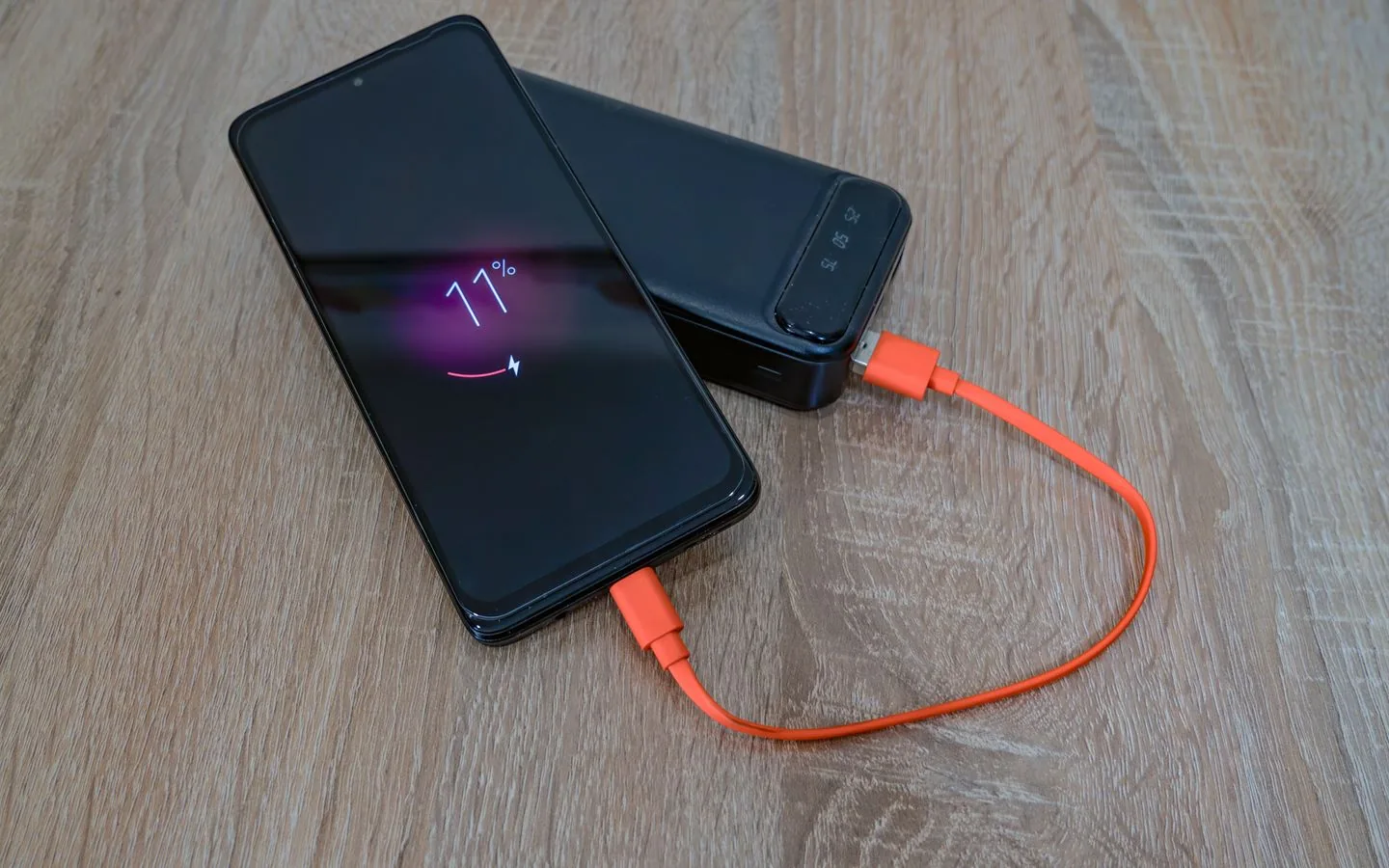
Modern phones manage ordinary charging themselves. A partial charge between errands is a practical way to build enough reserve for a long evening. You do not have to create a daily routine that runs the battery all the way down. Choose a reliable, compatible charger and cable, and keep them where you can use them without creating a trip hazard or burying the phone under bedding.
Heat matters to battery wear. A phone navigating on a sunlit dashboard while charging may get warm for several reasons at once. Move it out of direct sun, follow temperature warnings and give it space to cool naturally. Do not try to cool it abruptly with ice or a freezer. If a charger or cable is damaged or consistently unusually hot, stop using it and check the manufacturer's replacement guidance.
Some phones have a charging feature that learns when you plug in or lets you set a charge limit. A learned schedule can reduce the amount of time the battery stays full. A fixed limit may suit a phone that often sits near a charger. Look up how your model behaves and whether it offers a temporary override. There is no need to begin a day far from power with less charge than you think you will need.
Plan for the day you cannot repeat
A short routine is easier to apply on days when you are distracted. Before a trip or an event, charge the phone, download what you need, clear a little storage for photos and check where your cable or power bank is. Make sure you can actually use offline tickets or maps before you leave. Some apps cache an item only after you open it or require a recent sign-in.
If you rely on the phone for several purposes at once, prioritize what must survive the longest. A concert video can wait while you keep enough power for the ticket scanner and the last train home. Arranging a trusted meet-up point and writing down a booking reference are simple backups when multiple people depend on the same device. This planning is often more reliable than attempting to estimate runtime from a battery percentage.
Measure whether your change helped. Compare similar commutes or an evening at home before making another adjustment. Weather, network conditions and use can vary enough to make one day misleading. Keep the change if it helps and leaves your phone useful. Revert it if the savings are slight and the cost is a delayed message or a setting you have to keep remembering.
Know when to move past setting changes
If short runtime persists across ordinary days, check whether the phone exposes a health estimate or service message. View it alongside how often the phone needs charging. On some models, a service provider can run a more complete diagnostic. Ask about the work the provider will perform, the parts they use, expected turnaround and any effect on the device's water resistance or warranty.
Back up data before handing over a phone and follow the provider's instructions for protecting your account. Confirm you can sign in from another device if you use the phone for account verification. If you depend on it for transport or payment, plan temporary alternatives. This preparation matters whether the battery replacement takes an hour or several days.
A new battery can be a reasonable way to keep a supported phone that otherwise meets your needs. An old phone that no longer receives security updates is a different decision, even if a spare battery is easy to find. Think about the phone as a tool with an expected next chapter: a reliable daily device, an offline camera, a trade-in or a device ready for responsible recycling. Battery capacity is one part of that choice.