A Keyboard That Fits the Way You Work
Learn how layout, key feel, noise and connectivity affect a keyboard you will use for hours every day.
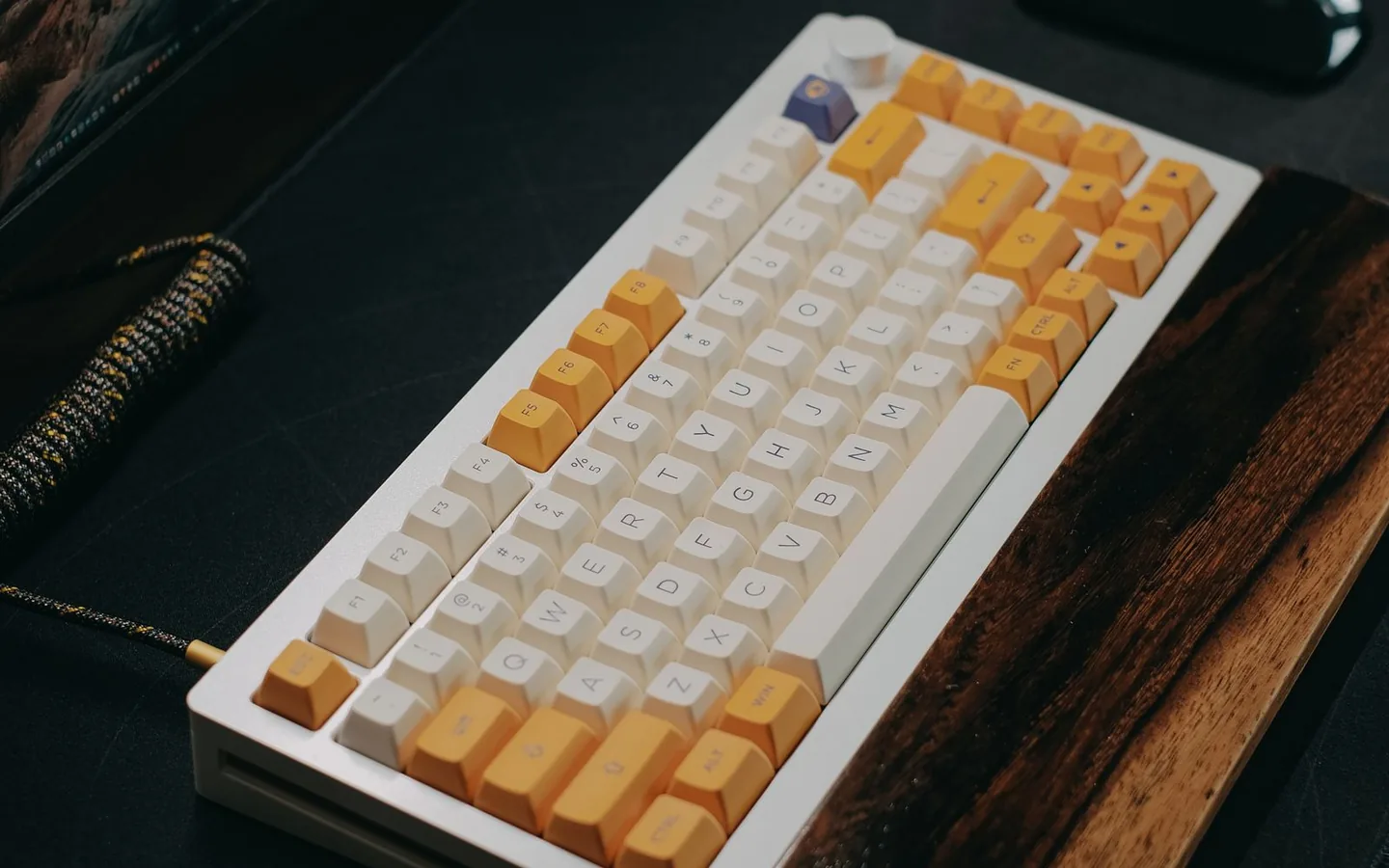
Choose the layout around the keys you use repeatedly. Try a full paragraph and your usual shortcuts, then check desk fit, noise and cross-device behavior.
Notice the keys you reach for without thinking
Your current keyboard offers good evidence about what to buy next. Spend a day noticing when you reach to the right of the letters, when you press two or three keys together and when you take a hand off the keyboard entirely. An editor who uses Home and End to move through a line has different needs from a person entering invoice totals. Someone who switches languages several times an hour may care more about key positions and layout settings than the sound of a switch.
Try this while doing real work. You might discover that you use the number pad for a short task every Monday and that it pushes your mouse sideways for the rest of the week. A separate number pad can sit nearby until you need it. You might also realize that the number pad is how you move around an old application and want it integrated. The value of removing a group of keys depends on what you would have to learn or reach for instead.
Measure the surface the keyboard has to share. A keyboard can fit between a coffee mug and a monitor foot while forcing the mouse hand into a distant corner. A compact model can bring the mouse closer, but it may also make arrow or editing keys much harder to find. Leave enough room to place both hands freely and to move the keyboard out of the way if part of the desk doubles as a writing surface.
Read the layout from an actual photo
Keyboard size labels are broad descriptions. Two compact keyboards may disagree on where to put Delete, how much room to leave around arrow keys and whether the right Shift key is full size. Inspect a straight-on photograph or layout diagram for the exact model. Compare it with what your fingers already expect. A reduced right Shift next to an arrow button can be an adjustment if you have used the same arrangement for years.
Physical layout and operating system layout are separate. The physical shape of Enter, the key next to left Shift and the visible legends can differ by region. The system decides which characters a key produces. A label mismatch might be harmless if you touch type, or maddening when you search for a symbol during an unfamiliar task. Confirm which combination the seller ships. A listing with images of several countries' layouts may use the same product title for each variant.
Consider how keyboard layers work if a layout hides keys behind modifiers. A layer can be excellent when it keeps useful actions within reach. It also makes certain combinations harder to discover, particularly if the board has little printed guidance. Look up what happens when you need a function key from an application that already uses several modifiers. Decide whether the menu, shortcut or layer is equally convenient for a familiar action.
Find the feel that supports steady typing
A switch description is a rough indicator. A linear switch moves without a distinct bump. A tactile switch gives some feedback as it travels, and a clicky design adds an intentional sound. The force, keycap shape, travel, stabilizers and case all contribute to the experience. Two boards with the same switch can feel different under the space bar. It is worth typing more than a few isolated letters before drawing a conclusion.
Use a repeatable typing sample. Write a paragraph with capitals, apostrophes and numbers, then move a sentence around using your usual shortcuts. Type quietly and at your ordinary speed. If a board feels good for ten seconds of deliberate typing but you strike the keys hard as soon as you stop paying attention, pay attention to the second experience. That is how it will sound during a call or in a shared room.
Switches are sometimes advertised as low force or short travel. Either can be appealing, but very light keys can register while your fingers rest on them. A higher keyboard may need a different position on the desk to keep your wrists comfortable. Use a chair you can adjust if you can and let your hands settle naturally. If a steep angle bends your wrists upward, try the flatter setting first. A new keyboard should fit the way you sit and move, not require you to hold a pose all afternoon.
Listen beyond the sample recording
Keyboard recordings are informative when compared under the same conditions. The microphone position, desk surface and room matter. A hollow desktop can make small vibrations audible, especially if your hands hit the keys at the bottom of their travel. The microphone in a laptop beside the board may pick up more sound than a microphone on a headset, even when people across the room barely notice.
If quiet operation matters, listen to the largest keys. A quiet letter switch will not suppress a rattling space bar or an unusually sharp Enter key. Borrow a board if possible, use it on the actual desk and record a few seconds with your normal call microphone. A soft desk mat can change the way the surface sounds. It will do little for a switch that intentionally clicks in a room where someone is trying to sleep.
Consider the sound people in the room hear, not just what the keyboard owner likes. Some acoustic character is pleasant in a dedicated workspace. In a shared library or office, this feature has a different cost. A quieter design can be easier to use without having to monitor the force of every keystroke.
Check the connection and settings you will depend on
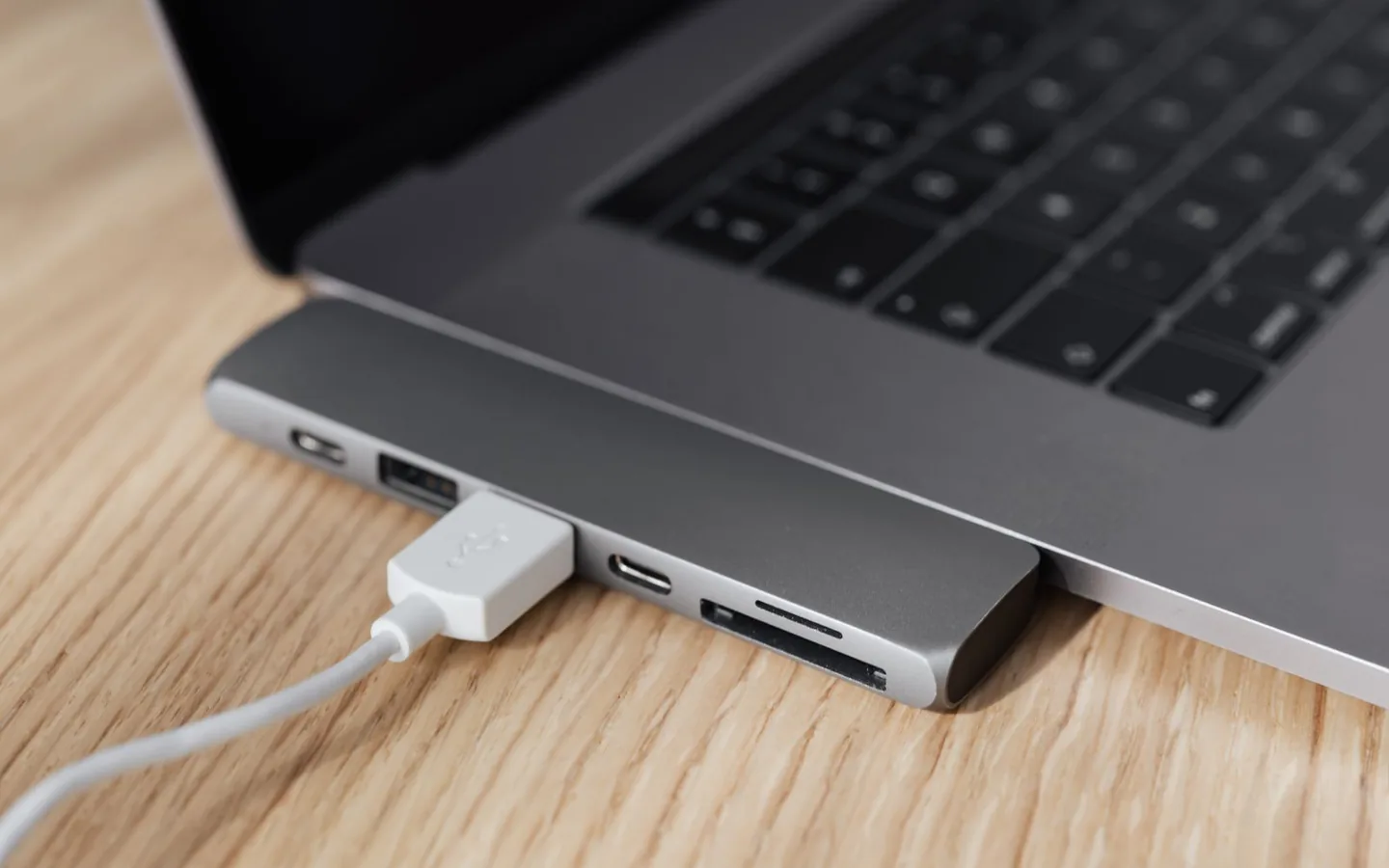
A wired board is straightforward when the cable route is fixed and you always work at the same computer. Read the connector details if you want a detachable cable. The connector on the keyboard might sit in a deep recess that only accepts a narrow plug. Inspect the lead's exit direction if one side of the desk is tight or if the keyboard will have to move several times a day.
Wireless boards may use Bluetooth, a dedicated receiver or both. A receiver uses a computer port and may need an adapter. Bluetooth avoids a separate receiver on a compatible computer but should be tested for switching and reconnecting where you will use it. If sign-in screens, firmware menus or recovery environments matter to you, verify that the connection you intend to use works there. Keep a simple wired option available for recovery when necessary.
Customization may require software. Find out which settings are stored on the keyboard, which depend on a background application and which can be configured on the operating system you use. A board that remembers a basic layout change is convenient if it moves between computers. A complex macro can be harder to maintain when a program changes or when your workplace restricts background utilities. Start with a few changes you can describe easily.
For a shared desk, try the device switch in the order you will use it. Put one computer to sleep, change to the other and then come back after waking the first. A board that switches seamlessly when both machines are active may take an extra moment after one has been idle. Check whether the selected device is obvious from a light or other indicator. If you sit down quickly to answer a message, that confirmation can prevent a line of typing from going to the wrong computer. It may be worth giving each connection a permanent number.
Inspect the things you can maintain
Removable keycaps can make cleaning and replacing worn pieces simpler, but compatibility varies. Even two boards with broadly similar stems can have different heights or nonstandard key sizes. If you want spare caps or plan to replace a missing key later, check the layout and key size before assuming that a standard set covers it. Look at whether the manufacturer offers replacement parts for the actual model.
A board with user-replaceable switches is useful if you enjoy changing the feel or replacing a worn switch. The socket still has specific compatibility limits. Check the manufacturer's instructions before pulling anything, including how to align a replacement and whether your version has replaceable switches at all. An advertised feature is helpful only if you expect to use it and the parts you want will actually fit.
For opening packages, notes and quick messages, a spare basic keyboard may already do the job. A board for full days of typing may justify attention to the cable, caps and support. Pay for durable convenience before paying for several capacities you only plan to experiment with at the checkout.
Judge it over a week of ordinary work
A keyboard can feel conspicuous during the first hour because your fingers notice any difference. Check again after handling several representative tasks, including something you do rarely but cannot do without. Were navigation keys easy to locate while looking at the screen? Did reconnection delay a meeting? Did you move the mouse closer? Those answers say more about fit than a typing score.
Keep a short list of changes you need to remember, such as a device-switch key or a useful shortcut. If you still search the same layer after several normal days, think about how much friction that adds. Sometimes learning a position pays off. Sometimes having a dedicated key does the work better. A good keyboard makes most of these decisions disappear while you are using it.